Best LinkedIn automation tools, and what they actually solve
LinkedIn automation tools promise more connections and messages with less manual work. The category splits into senders, scrapers, and CRMs. The harder question is not how to send more, but which accounts deserve a touch and what the message should say.
Published . Reviewed for freshness, claim boundaries, and current sales signal logic on .
What is the best LinkedIn automation tools?
Most LinkedIn automation tools focus on execution: sending connection requests, messages, and follow-ups while managing account safety. They are useful once you know who to contact and why. max sits upstream: it reads buying signals, applies best-fit rules, prioritizes accounts, and drafts the message, then a sender or human executes the touch.
 Where max fits
max is a standalone AI sales agent. It reads ICP rules, account context, and buying signals, then recommends the next move and prepares a campaign packet for human approval. It decides and drafts; it is not the sender itself.
- Best for multi-account at scale: HeyReach
- Cloud-based, runs many LinkedIn seats from one dashboard, built for agencies managing client inboxes.
- Best for safety: Expandi
- Cloud tool with dedicated-IP sessions and randomized human-like activity to stay under daily limits.
- Best value / solo: Waalaxy
- Free tier to start, simple LinkedIn-first flows, low entry price for one operator.
- Best decision layer: max
- Reads signals and decides who deserves a touch before any sender fires a message.
- Best multichannel: La Growth Machine
- Sequences LinkedIn, email, and voice together with shared enrichment in one campaign.
The tools, compared
Most of these solve a different job, so the right setup is often a stack. Each row is what the tool is genuinely best at, when to choose it, and what to watch for.
| Tool | Best for | Choose it when | Watch out for |
|---|---|---|---|
| from $69/user/mo | LinkedIn plus email outreach with human approval. | You want controlled multichannel, not LinkedIn-only volume. | Per-user credit caps on the entry plan. |
| from €190/mo | Decides which accounts deserve a touch and drafts a safe opener. | You want targeting and message quality before automating. | Not a sender; pairs with a LinkedIn tool, and no free trial. |
| from $590/mo | Multi-account LinkedIn outreach for agencies. | LinkedIn at scale across many seats. | High floor; not for solo users. |
| from $99/mo | Smart LinkedIn sequencing with safety limits. | Single-account, safety-conscious outreach. | Per-seat cost adds up across a team. |
| free / from €19/mo | Simple LinkedIn plus email for solo and SMB. | Lightweight, low-setup outreach. | Credit and invite caps are tight on low tiers. |
| from $39/user/mo | LinkedIn drip campaigns with analytics. | You want simple sequence analytics. | Monthly billing is ~50% more than annual. |
| from €60/mo per identity | Multichannel LinkedIn plus email for founders. | You run a few sender identities. | Priced per identity, so each sender multiplies the bill. |
| from $69/mo | Raw scraping and automation across platforms. | You want to build custom automations. | Technical setup, not a turnkey sequencer. |
| from $14.99/mo | Cheapest entry to LinkedIn automation. | Individual, budget-first outreach. | Browser-based, so your machine must stay on. |
| from $31/mo | LinkedIn steps inside broader email sequences. | Email-led with some LinkedIn touches. | Not a LinkedIn-first tool. |
| - | - | ||
| - | - | ||
| - | - | ||
| - | - | ||
| From $6.99/month (Starter), with Pro, Advanced and Unlimited tiers up to around $24.99/month | Solo users and small teams who want a low-cost, simple way to automate connection requests and follow-up messages. | You want an affordable entry point into LinkedIn automation and are comfortable running a Chrome extension on your own machine. | It runs as a browser extension that acts on the LinkedIn web app, so activity happens from your own browser session and depends on your device staying online. |
| Cloud-based plans typically starting around $157/month, with higher agency and multi-account tiers | Scale-ups and agencies that want cloud-hosted LinkedIn outreach with each account running from its own dedicated environment. | You need outreach that runs without keeping a browser open and you want a managed, higher-touch setup for one or several accounts. | Pricing sits well above the entry-level tools, so it makes most sense once you have a defined outbound motion rather than as a first experiment. |
| Cloud plans commonly starting around $49-$60/month, with team and higher-volume tiers above that | Solo users and small teams wanting affordable cloud-based LinkedIn outreach, often paired with email. | You want cloud hosting and multichannel sequences without the agency-level price tag of the high-end platforms. | Feature depth and reporting are lighter than the enterprise tools, which is the trade-off for the lower cloud price. |











Feature comparison
The capabilities that usually decide the shortlist, at a glance. Figures are the vendors' own published numbers.
| Tool | Deployment | Ban risk | Multi-account | Safe daily limit | Email too | Free tier | Starting price |
|---|---|---|---|---|---|---|---|
| Overloop | Cloud | Low | Yes | ~20-40/day | Yes | No | From $39/mo |
| max | Decides who to touch | Not a sender | - | - | - | - | From €190/mo |
| HeyReach | Cloud | Low | Yes | ~20-40/day | No | No | From $79/mo |
| Expandi | Cloud | Low | Yes | ~20-40/day | Yes | No | From $99/mo |
| Waalaxy | Cloud | Medium | Limited | ~20-40/day | Yes | Yes | From $0 (free) |
| Dripify | Cloud | Medium | Yes | ~20-40/day | No | No | From $39/mo |
| La Growth Machine | Cloud | Low | Yes | ~20-40/day | Yes | No | From $60/mo |
| PhantomBuster | Cloud | High | Yes | ~20-40/day | No | Yes | From $69/mo |
| Dux-Soup | Browser | High | Limited | ~20-40/day | No | Yes | From $14.99/mo |
| lemlist | Cloud | Low | Yes | ~20-40/day | Yes | No | From $39/mo |
| Meet Alfred | Cloud | Medium | Yes | ~20-40/day | Yes | No | From $29/mo |
| LinkedIn Helper | Browser | High | Limited | ~20-40/day | No | Yes | From $15/mo |
| SalesRobot | Cloud | Medium | Yes | ~20-40/day | Yes | No | From $99/mo |
| LinkedIn Sales Navigator | Cloud (native) | Low | No | Manual use | No | No | From $99/mo |
| Octopus CRM | Browser | High | Limited | ~20-40/day | No | Yes | From $6.99/mo |
| Zopto | Cloud | Low | Yes | ~20-40/day | Yes | No | From $157/mo |
| Closely | Cloud | Low | Yes | ~20-40/day | Yes | No | From $49/mo |
A closer look at each option
What each tool actually does, who it fits, and the honest trade-off, in the order they appear above.
Overloop is a multichannel outbound tool that runs LinkedIn and email in the same sequence, so a prospect can get a connection request, a follow-up message, and an email from one workflow. It fits small sales teams and founders who want LinkedIn and email handled together rather than in two separate tools. Starting around $69 per user per month, it is priced for individual reps and lean teams. The honest trade-off: it is a broad outbound platform, not a LinkedIn-only specialist, so the safety controls and per-action throttling are lighter than a dedicated cloud sender. As with any LinkedIn automation, daily action limits still apply and overreach can put your account at risk.
- Runs LinkedIn and email outbound from one campaign.
- Built-in CRM and pipeline view for tracking replies.
- Sequence builder mixes connection requests with follow-up emails.
- Heavier setup than a single-channel LinkedIn sender.
- LinkedIn automation always carries some account-restriction risk.
- Less specialized than pure LinkedIn-only tools.
MAX is a signal-led AI sales agent that sits a layer above the sending tools. It reads your ICP and buying signals, scores and prioritizes which accounts actually deserve a touch right now, and drafts a tailored opener that a human approves before anything goes out. It is not a LinkedIn sender and does not push connection requests or messages itself. It fits teams drowning in lists who want the decision layer of who to contact and what to say handled well, then pair MAX with a dedicated LinkedIn or email sender for execution. The honest trade-off: you still need a separate outreach tool to actually deliver the touches, so MAX is a complement to your stack, not a replacement for the sender.
- Decides which leads actually deserve a touch.
- Reads buying signals before any outreach starts.
- Drafts safe openers with a human-in-the-loop check.
- A decision layer, not a sender you must police.
- Not a LinkedIn sender; pair it with one.
- No free trial, paid from the entry tier.
- Newer product with a shorter track record.
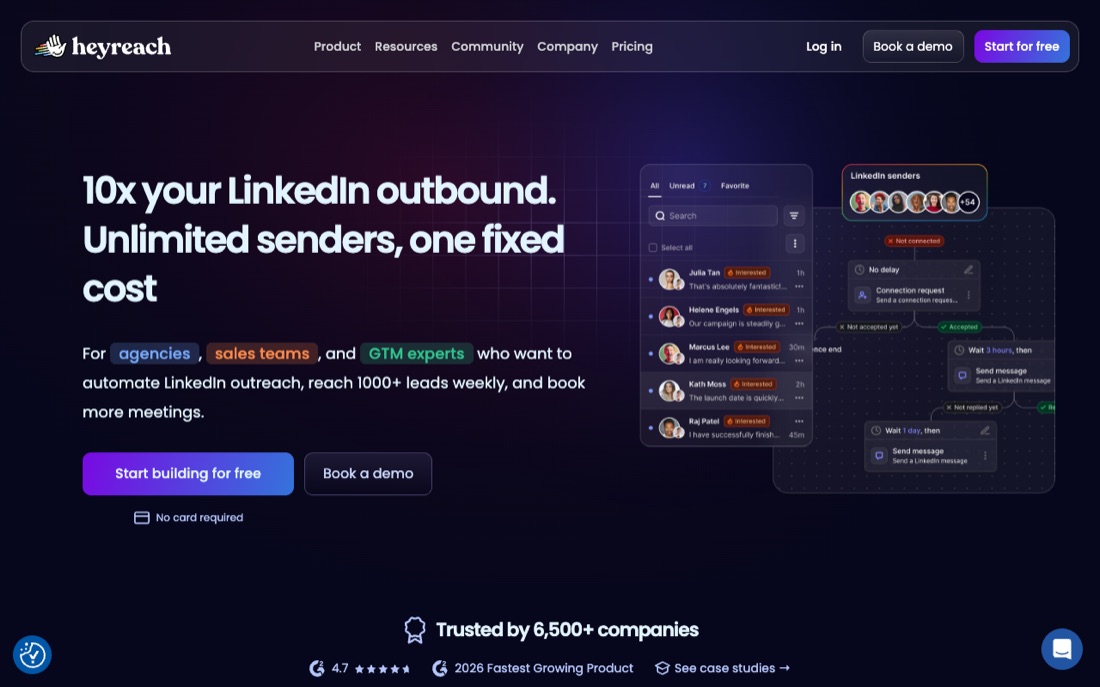
HeyReach is a cloud-based LinkedIn automation tool built for agencies and teams running many seats at once. Its core strength is multi-account orchestration: you can rotate senders, manage dozens of LinkedIn accounts from one dashboard, and unify the replies into a shared inbox. It fits lead-gen agencies and outbound teams that need to scale across mailboxes rather than optimize a single profile. Pricing is per LinkedIn sender, which keeps it predictable as you add accounts. The honest trade-off: it is deliberately LinkedIn-first, so if you want deep email sequencing you will run it alongside another tool. Being cloud-based, it spreads activity sensibly, but LinkedIn limits and account-safety risk never fully disappear.
- Cloud-based, no browser extension to babysit.
- Runs many LinkedIn accounts from one dashboard.
- Built for agencies managing multiple client inboxes.
- Per-sender pricing scales with seats added.
- Priced per sender, costly for large account fleets.
- LinkedIn-first, lighter on email channels.
- Overkill for a single solo operator.
Expandi is a cloud-based LinkedIn automation tool known for its safety-first reputation: dedicated-IP cloud sending, randomized delays, and smart daily limits designed to mimic human behavior. It fits experienced outbound operators and agencies who want condition-based campaigns and tight control over how aggressive their outreach looks. The interface rewards people who already understand LinkedIn outreach mechanics. The honest trade-off: it is more complex than beginner tools and sits at a higher price point, so it is overkill for someone sending a handful of connection requests a week. No tool removes account-safety risk entirely, but Expandi's throttling and cloud approach are built to keep activity within safer bounds.
- Cloud tool with dedicated IP per account.
- Randomized delays mimic human activity to stay safe.
- Respects safe daily caps like ~20-40 connection requests/day.
- Smart sequences with conditional follow-up steps.
- Mid-tier pricing, no permanent free plan.
- Steeper learning curve for new users.
- Still LinkedIn automation, so some risk remains.
Waalaxy is a LinkedIn-first automation tool aimed at solo users and small teams who want to launch outreach quickly without a steep setup. It offers ready-made sequences, a generous free tier to start, and an approachable interface that lowers the barrier for non-technical sellers. It fits founders, freelancers, and small sales teams testing LinkedIn outreach for the first time. The honest trade-off: it runs as a browser-based extension rather than full cloud sending, which ties activity to your machine and offers less isolation than cloud tools. Email features exist but are secondary. Stay inside the daily limits, because the browser model makes conservative pacing important for account safety.
- Free tier lets solo users start at zero cost.
- Simple LinkedIn-first sequences, fast to launch.
- Browser-based setup, low entry price to scale.
- Runs as a Chrome extension, riskier than cloud tools.
- Free plan caps daily actions tightly.
- Email features weaker than multichannel rivals.
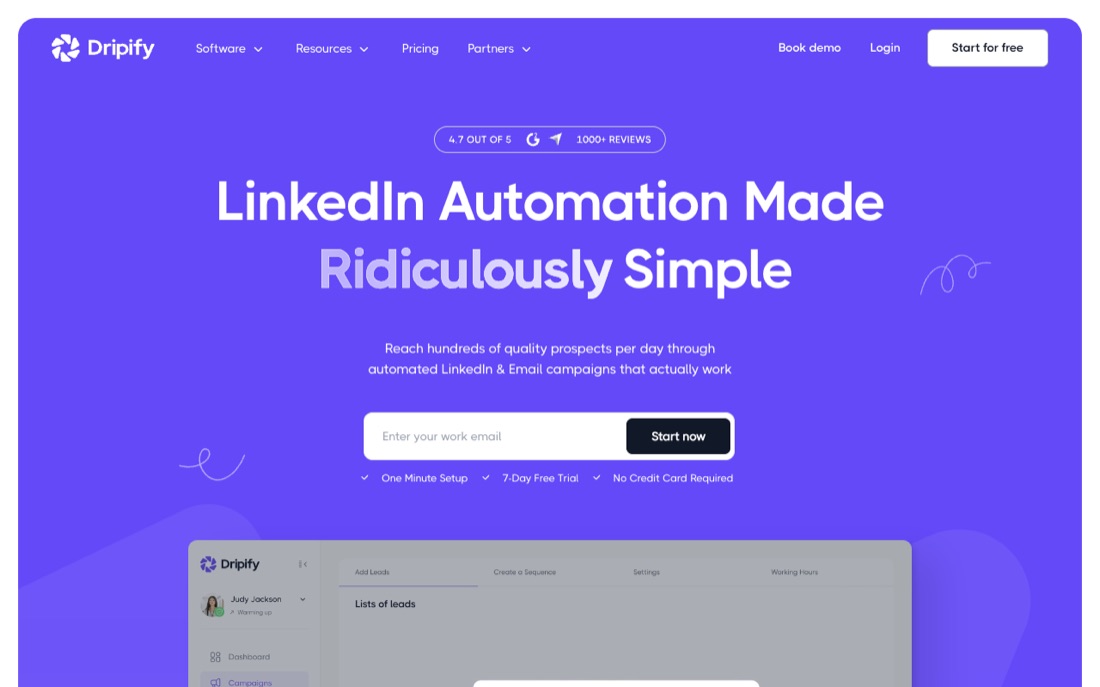
Dripify is a cloud-based LinkedIn automation tool focused on simple drip campaigns: connection requests, follow-up messages, profile views, and endorsements chained into a sequence that runs on its own. It fits sales teams and recruiters who want a clean, low-maintenance way to automate LinkedIn touches and track basic funnel metrics. Because it runs in the cloud, campaigns continue even when your laptop is closed. The honest trade-off: it is LinkedIn-centric with limited multichannel depth, and the analytics are lighter than what a dedicated agency tool gives you. Cloud sending helps space activity out, but you should still respect daily caps to protect your account.
- Cloud-based, runs without keeping a browser open.
- Drip-style LinkedIn sequences with conditional logic.
- Team dashboard with reporting on campaign metrics.
- Mid-tier monthly pricing, no free plan.
- LinkedIn-only, no native email channel.
- LinkedIn automation still carries account-restriction risk.
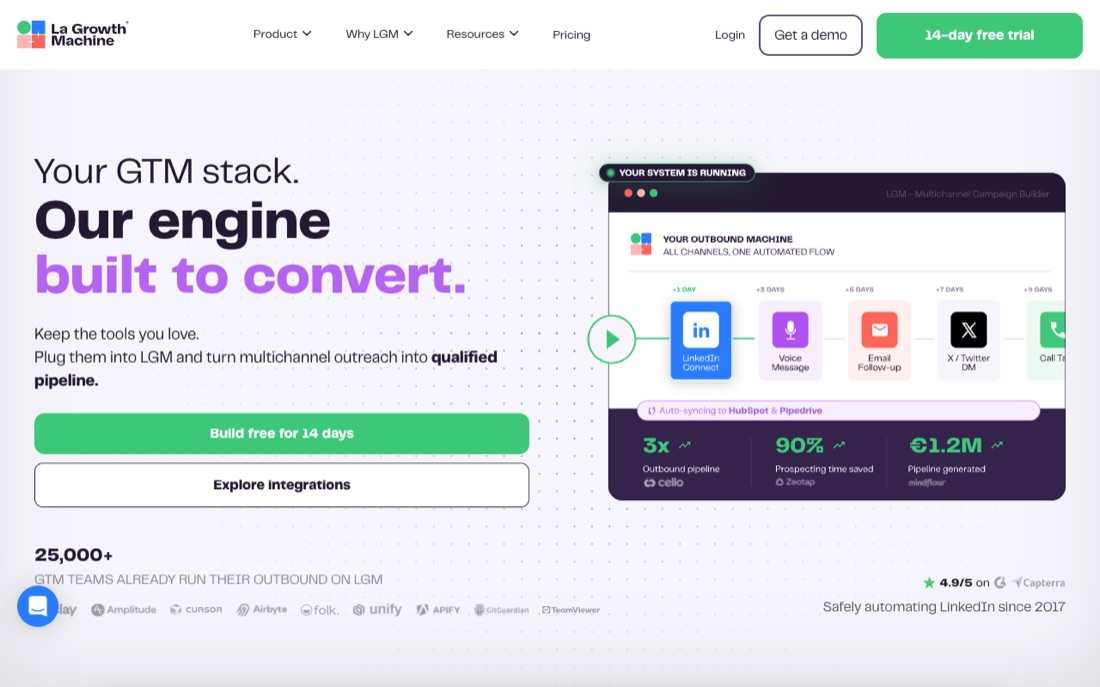
La Growth Machine is a multichannel sequencing tool that blends LinkedIn, email, and Twitter into a single automated workflow, with one of the more polished campaign builders in the category. It fits sales and growth teams that want genuine multichannel cadences rather than LinkedIn alone, plus built-in enrichment to fill missing contact data. The voice-message and visual workflow features stand out. The honest trade-off: the breadth and per-seat pricing make it a heavier commitment than a single-channel tool, and the learning curve is real for first-timers. LinkedIn actions still run through your account, so the usual daily limits and safety considerations apply.
- Multichannel across LinkedIn, email, and voice messages.
- Built-in enrichment fills missing contact data.
- Conditional sequences adapt to each lead's response.
- Higher price than single-channel LinkedIn tools.
- More moving parts to configure correctly.
- LinkedIn steps still carry account-restriction risk.
PhantomBuster is a broad automation and data-extraction platform, not a LinkedIn outreach tool in the narrow sense. Its LinkedIn use cases lean toward scraping profiles, extracting search results, and chaining actions into custom workflows, which you can combine with messaging steps. It fits technical growth operators and ops teams who want to build their own data and automation pipelines rather than use a packaged sequencer. The honest trade-off: it is powerful but requires more setup and judgment than a turnkey tool, and aggressive scraping or messaging through your profile carries real LinkedIn account-safety risk. Treat it as a flexible toolkit, and keep volumes conservative.
- Cloud automations cover scraping and outreach tasks.
- Flexible building blocks across many platforms, not just LinkedIn.
- Strong for data extraction and list building.
- Scraping-heavy use raises LinkedIn restriction risk.
- Steep setup, more developer-leaning than turnkey.
- Not a polished single-campaign sequencer.
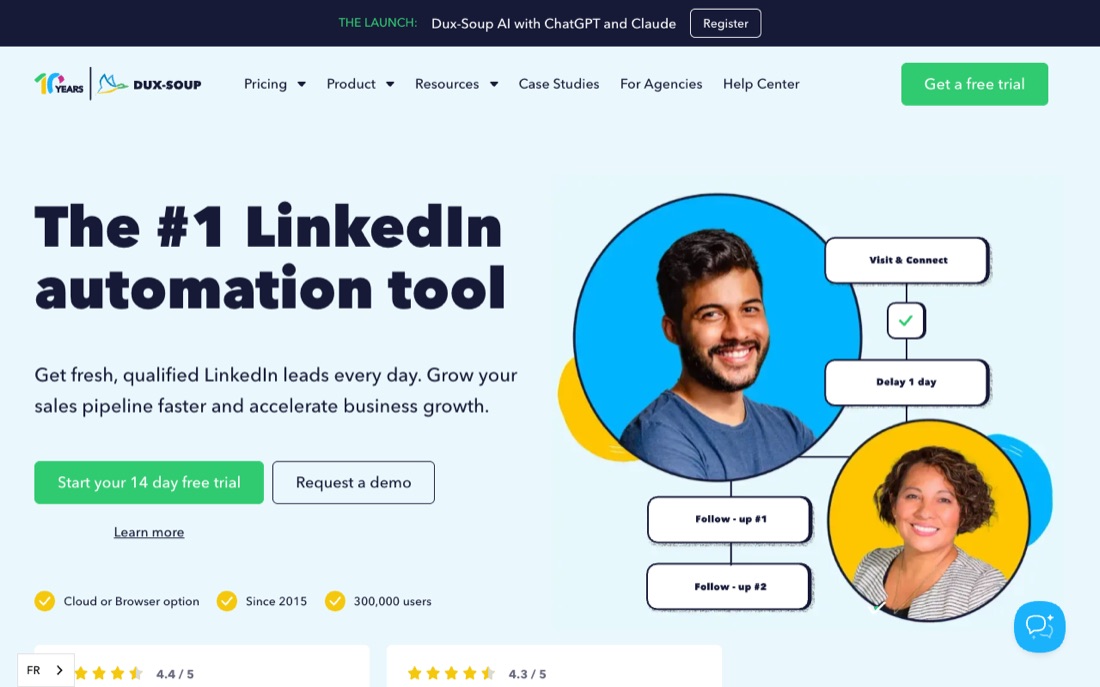
Dux-Soup is one of the longest-running LinkedIn automation tools, available as a browser extension with a cloud-style Turbo tier. It handles profile visits, connection requests, messaging, and basic drip campaigns, and it appeals to users who want an affordable, no-frills automator. It fits individual sellers and small teams on a budget who are comfortable with a browser-based setup. The honest trade-off: the core extension runs in your browser, so activity is tied to your machine and the interface feels dated next to newer cloud tools. Because it operates through your own session, conservative limits and careful pacing matter for keeping your LinkedIn account safe.
- Long-established LinkedIn automation tool.
- Affordable entry tier for solo operators.
- Handles visits, connections, and messaging.
- Runs as a browser extension, riskier than cloud tools.
- Needs your computer and browser open to run.
- Dated interface compared to newer rivals.
lemlist is best known as a cold-email and personalization platform that has added LinkedIn steps to build multichannel sequences. Its strengths are image and video personalization, deliverability features, and a strong email-first workflow that you can extend with LinkedIn connection requests and messages. It fits teams whose primary channel is email but who want to layer LinkedIn touches into the same cadence. The honest trade-off: LinkedIn is a secondary capability here, not the core, so a dedicated LinkedIn tool will give you deeper sending controls and multi-account handling. The LinkedIn actions still run through your account, so the usual daily limits and safety practices apply.
- Strong email outreach with personalization at scale.
- Adds LinkedIn steps for multichannel sequences.
- Built-in deliverability warm-up for sending domains.
- Email-first; LinkedIn features are secondary.
- Higher tiers needed for full multichannel access.
- LinkedIn steps still carry account-restriction risk.
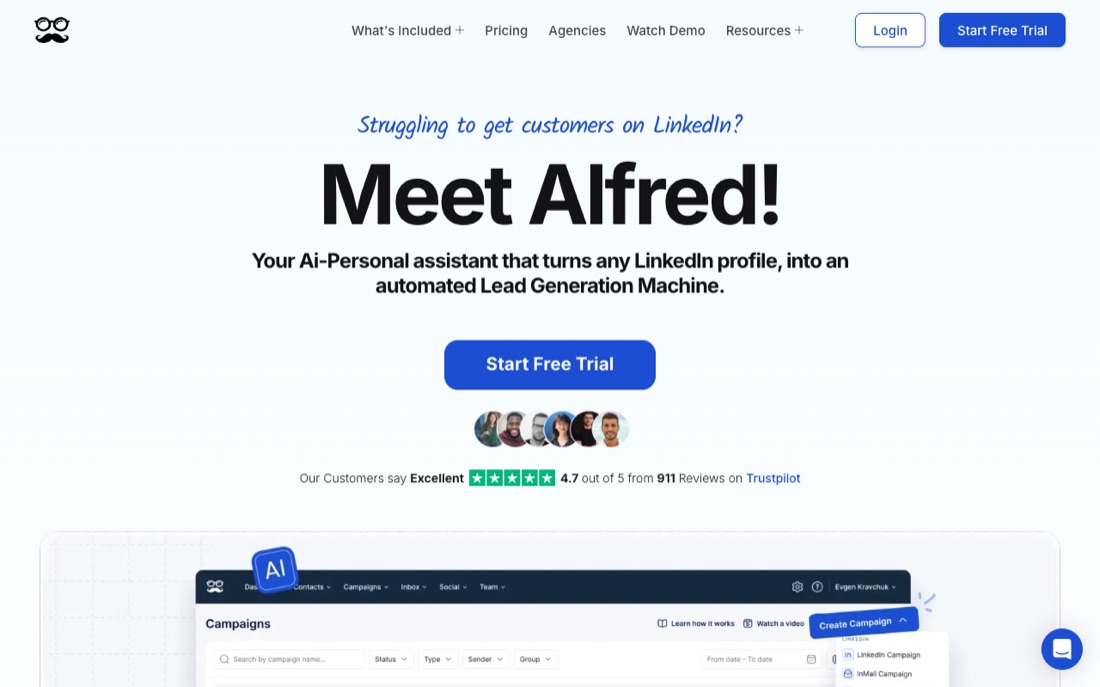
Meet Alfred runs multi-channel sequences across LinkedIn, email, and X from the cloud, so campaigns keep going when your laptop is closed. The Team plan is the real reason to look here: it lets an agency manage and rotate several LinkedIn accounts under one roof, with reporting per seat. Basic starts at $59/month, Pro at $99/month, and Team at $79/month per user. The builder is flexible but has a learning curve, and onboarding can feel heavy for a solo user who just wants connection requests and follow-ups. Best fit for teams that want one place to coordinate LinkedIn plus email outreach.
- Cloud-based, so sequences run without your browser open
- Multi-account management built for teams on the Team plan
- Combines LinkedIn, email, and X in one sequence builder
- Steeper learning curve than single-purpose tools
- No public hard daily-action cap, so you set safe limits yourself
- Pricing climbs quickly once you add seats and channels
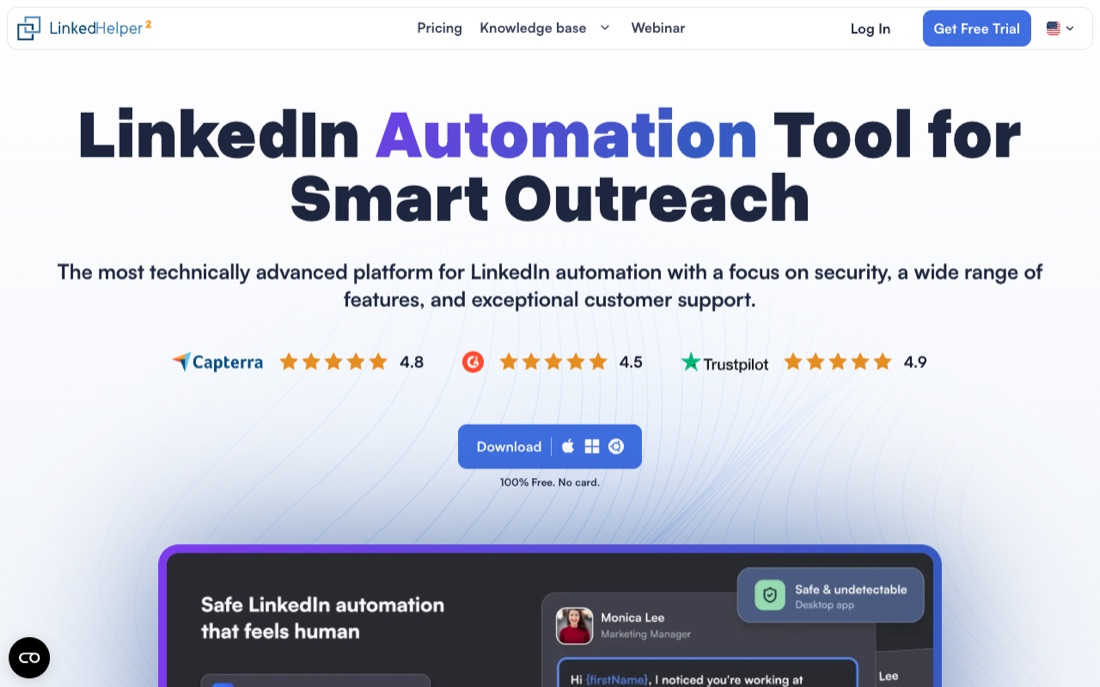
LinkedIn Helper is one of the oldest names in the space and runs as a standalone desktop app driving its own embedded browser rather than a Chrome extension. That makes it cheap and powerful: Standard is $15/month and Pro is $45/month on monthly billing, dropping to roughly $8 and $25 on the annual plan. It supports free LinkedIn, Premium, Sales Navigator, and Recruiter, with a built-in CRM and tagging. The trade-off is that the app needs to be running on a machine to act, and the interface looks dated. It is a strong value pick for solo operators and budget-conscious teams who do not mind a desktop tool.
- Very low price, with Standard at $15/month
- 14-day full-feature free trial
- Works with free LinkedIn, Sales Navigator, and Recruiter
- Built-in CRM with tagging
- Desktop app must be running for actions to fire
- Dated interface and steeper setup than cloud tools
- One license maps to one LinkedIn account at a time
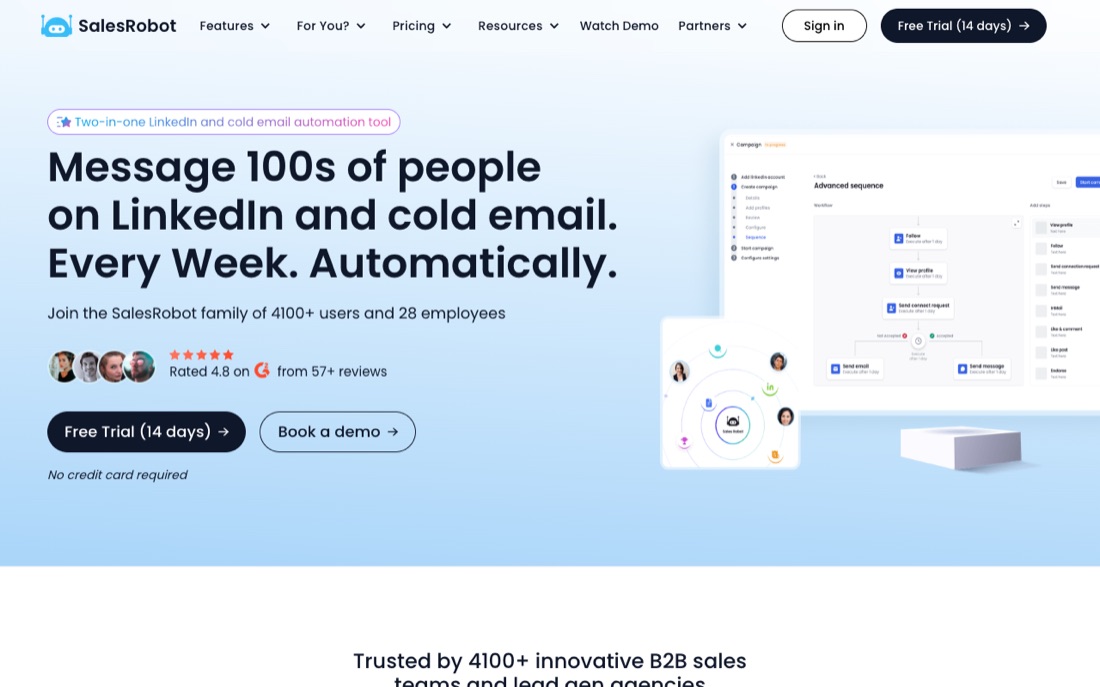
SalesRobot is a cloud-based LinkedIn and email outreach tool that leans hard on account safety as its pitch, using dedicated IPs and human-like behavior to lower ban risk. Pricing is $59/month for Basic, $79 for Advanced, and $99 for Professional on monthly billing, with annual rates around a third lower, plus $15 per connected email account. It manages multiple LinkedIn accounts per plan and includes a 14-day trial with no card required. The Basic tier caps actions at 20 per day; higher tiers raise that to 75 connection requests. It suits solo sellers and small teams who want a hands-off cloud sender with safety baked in.
- Cloud-based with dedicated IP rotation
- 14-day free trial, no credit card
- Multiple LinkedIn accounts per plan
- Built-in safe daily-action defaults per tier
- Email outreach is a paid add-on per account
- Higher daily limits on top tiers can tempt unsafe volume
- Smaller, younger vendor than the category leaders
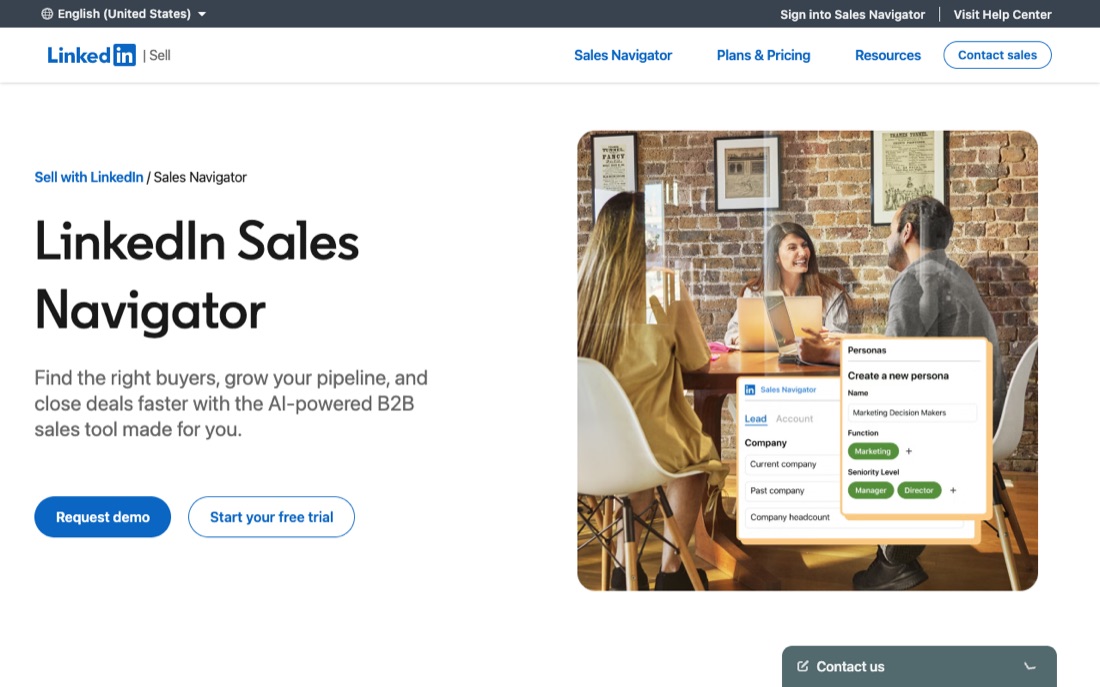
Sales Navigator is LinkedIn's own product, not an automation tool, and that is exactly why it belongs on this list: it is the native, fully compliant layer the automation tools build on top of. It gives you 50-plus search filters across LinkedIn's full member base, saved lead lists, alerts, and 50 InMail credits a month, with AI account and lead summaries on higher tiers. Core is about $119.99/month and Advanced about $159.99/month per seat, with custom-priced Advanced Plus adding CRM sync. It does not send connection requests or sequences for you. Pair it with a sender if you want automation, or use it solo for safe manual prospecting.
- Native LinkedIn product with zero automation ban risk
- Best-in-class search filters and lead lists
- AI account and lead insights on Advanced
- CRM sync to HubSpot and Salesforce on Advanced Plus
- Expensive per seat compared with third-party tools
- Does no sending or automation on its own
- Most automation tools require it as an added cost on top
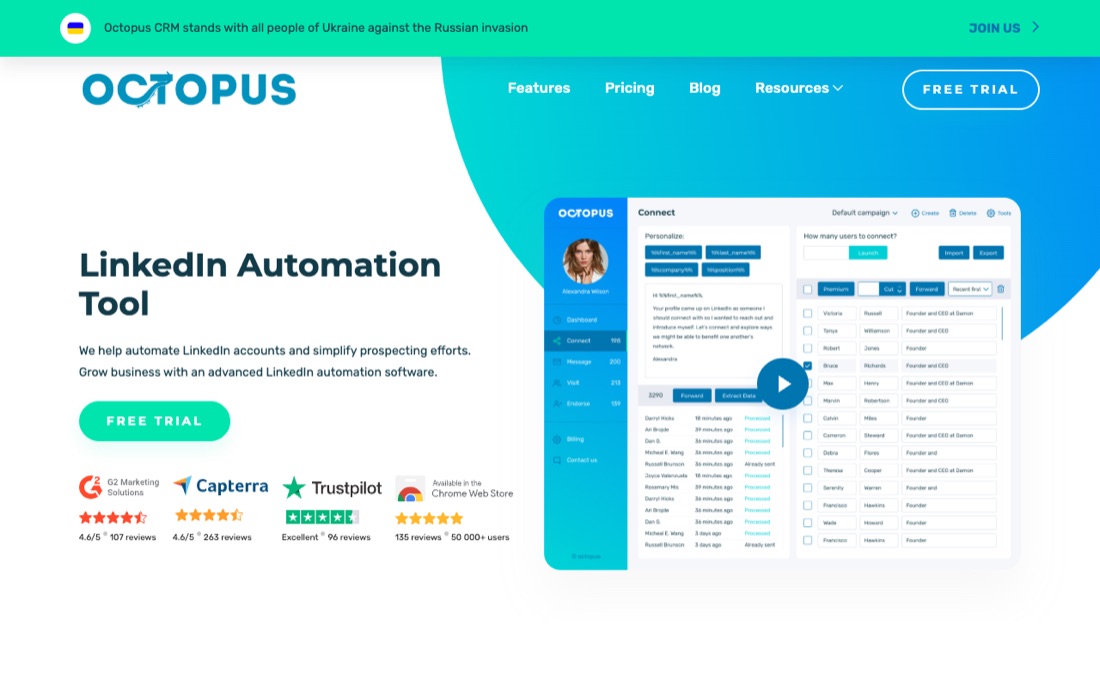
Octopus CRM is one of the cheaper ways to start automating LinkedIn outreach. It works as a Chrome extension that builds simple campaigns: connection requests, message sequences, profile views and endorsements, plus a basic CRM board to track prospects. The low entry price makes it popular with freelancers and small teams testing outbound for the first time. Because it operates inside your browser rather than from dedicated cloud infrastructure, you carry more of the account-safety responsibility yourself. Keep daily volumes conservative and treat the documented category norms, not aggressive presets, as your ceiling. It covers the basics well without trying to be a full multichannel platform.
- Very low starting price relative to most competitors
- Simple campaign builder that is easy for first-time users
- Built-in lightweight CRM to track prospect status
- Browser-extension model means automation runs from your own session, which carries higher account-safety exposure than dedicated cloud tools
- Requires your browser or device to stay open for campaigns to run
- Limited multichannel reach compared with platforms that add email
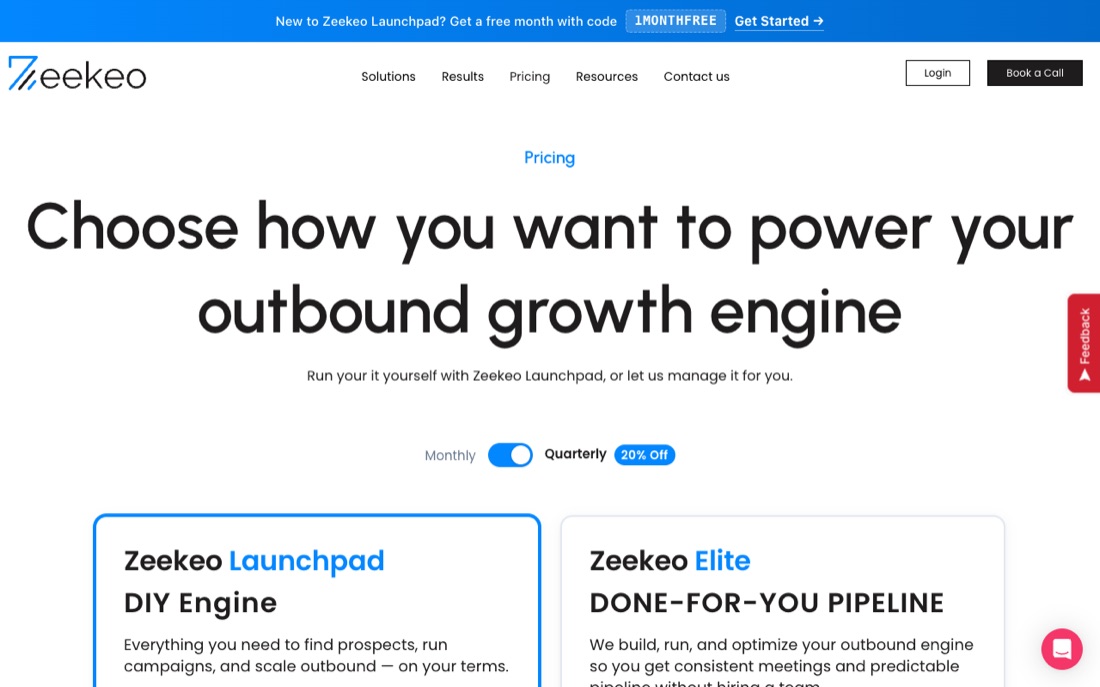
Zopto is a cloud-based LinkedIn automation platform aimed at the higher end of the market. Because campaigns run from dedicated cloud environments rather than a local browser extension, you do not need to keep a tab open, and activity is tied to a consistent footprint per account. It supports connection campaigns, messaging sequences, InMail and added channels in its more advanced plans, plus analytics for teams that report on outbound. The trade-off is price: it costs noticeably more than starter extensions, so it fits funded scale-ups and agencies rather than solo testers. As with any automation, conservative daily limits remain the safest way to protect accounts.
- Cloud-hosted, so campaigns run without keeping a browser open
- Dedicated environment per account reduces shared-footprint exposure
- Multichannel and analytics features suited to teams and agencies
- Significantly higher starting price than entry-level extensions
- No automation tool removes LinkedIn account-safety risk; volume discipline still matters
- More platform than a solo user typically needs
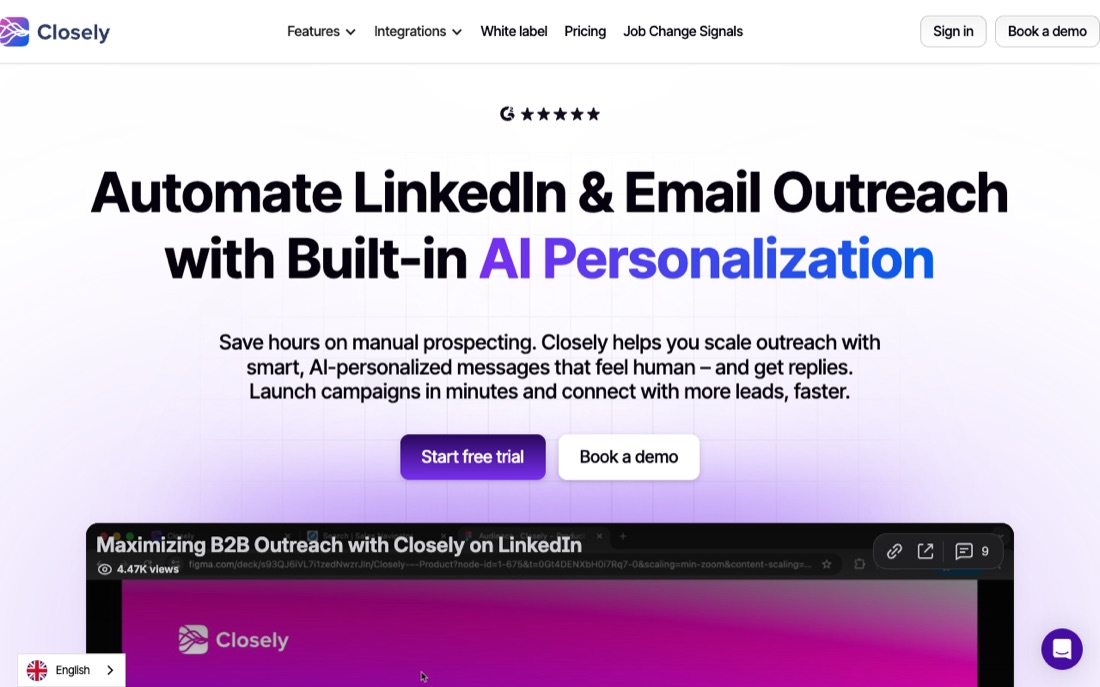
Closely is a cloud-based outreach platform that sits between the cheap browser extensions and the premium agency tools. It runs LinkedIn campaigns from the cloud, so you do not need to keep a browser open, and it adds email outreach and a lead database in higher tiers for multichannel sequencing. The pricing is friendlier than the top-end platforms, which makes it attractive to solo founders and small teams who want cloud safety characteristics without a big commitment. Reporting and advanced controls are lighter than enterprise options, but the core campaign experience is clean. Keep connection-request volume within documented category norms to protect the account regardless of the cloud setup.
- Cloud-based delivery without keeping a browser open
- More affordable than premium agency platforms
- Adds email and a lead database for multichannel outreach
- Lighter reporting and advanced controls than enterprise tools
- Cloud hosting reduces but does not eliminate LinkedIn account risk
- Smaller feature set than the high-end multichannel suites
We did not run a controlled side-by-side test of every account. This guide is built from each vendor's public documentation and pricing, hands-on familiarity with the category, and aggregated public reviews on G2 and Capterra. Ratings shown are public scores at time of writing; check the source for the current number, and treat any LinkedIn automation as carrying account-safety risk that no vendor can fully remove.
The categories of LinkedIn tooling
LinkedIn tools fall into a few jobs: senders that automate requests and messages, scrapers that pull profile and engagement data, and CRMs that track conversations. Each is execution or data. None of them decide which account deserves a touch or why now, which is the part that determines whether the outreach works.
- Senders: automate connections, messages, follow-ups
- Scrapers: pull profiles, posts, and engagement
- CRMs: track and organize conversations
- Decision layer: who to contact, why now, what to say
Where max fits in the stack
max is the decision layer, not another sender. It reads signals, applies best-fit rules, prioritizes accounts, and drafts an opener that references the business situation rather than the tracked action. A sender or a human then executes. That keeps volume safe and relevant instead of fast and generic.
- Account selection by fit plus timing
- Openers that avoid the creepy 'I saw you liked this'
- Drafts for human approval
- A learning loop on which signals earn replies
How this brief was reviewed.
- Freshness
- Updated June 15, 2026. This page was checked for current comparisons language, metadata quality, schema coverage, internal links, and whether the advice still reflects signal-led sales in 2026.
- Editorial review
- Reviewed by max research team. The brief is written from max's sales operating model: best-fit customer profile first, evidence second, human-approved outreach third. It avoids claiming private intent or guaranteed outcomes.
- Method
- This guide uses public product positioning, buyer comparison intent, outbound workflow boundaries, and the jobs each tool is hired to do. Recommendations are framed as decision support for sales teams, not as legal, deliverability, or revenue guarantees.
Questions buyers ask before acting.
Keep the thread.
- New signal
LinkedIn engagement signal
John Smith engaged with three posts on agency operations, he's thinking about it this month.
LinkedIn engagement signal
Use LinkedIn engagement as a lead generation signal for outreach campaigns, account prioritization, and AI SDR workflows.
- New signal
Post reaction signal
A post reaction signal is a visible like, comment, repost, or engagement on content related to your categor…
Post reaction signal
Turn LinkedIn likes, comments, and reactions into account prioritization and human-approved outreach campaigns with max.
Best AI SDR tools
A practical guide to AI SDR tools, from contact databases and enrichment workflows to email senders, CRM systems, and signal-led sales agents like max.
The practical test is simple: can the system explain why this specific account deserves a human touch now, using evidence the buyer would recognize?
Try max free