The best Instantly alternatives, compared for 2026

Nicolas Finet·Updated 13 min read

The answer in 60 seconds

How do Max and Instantly differ, and what still needs testing?

Separate ICP and signal-led lead selection from mailbox and campaign operations, then test both parts with the same approved sample. The cited documentation establishes scope only, not a winner.

Separate ICP and signal-led lead selection from mailbox and campaign operations, then test both parts with the same approved sample. The two columns below contain only narrow first-party facts checked July 21, 2026; they are not test results.

Published . Last materially updated .

Source checkInstantly: Campaign Options | Instantly Help Center

Open the primary source (opens in a new tab)

Supports
Instantly documents assigning multiple sending accounts to one campaign, with campaign-level daily limits and optional text-only delivery optimization.
Doesn’t prove
Vendor-authored documentation. It does not establish Instantly's fit, field performance, or result against Max in your environment.
Use this guideSeparate inbox operations from campaign judgmentLearning goals

Frame the decision

A useful comparison of Instantly alternatives starts with the job you need done, not with the longest feature list. For this decision, use one written criterion: Define provider compatibility, authentication visibility, inbox ownership, identity, suppression, bounce and complaint handling, reply routing, approved audience, and the human intervention the team can sustain.

By the end, you will be able to shortlist Instantly alternatives by running “Run one authenticated, bounded email pilot” and applying a rejection rule written before the test.

After this guide, you can

  1. 01Turn this category decision into a checkable brief: Define provider compatibility, authentication visibility, inbox ownership, identity, suppression, bounce and complaint handling, reply routing, approved audience, and the human intervention the team can sustain.
  2. 02Apply the same proof to every finalist: Use the same authenticated setup, approved audience sample, message, measurement window, and stop rules; simulate a bounce, complaint signal, opt-out, reply, and provider error before any scale decision.
  3. 03Keep the required evidence and enforce the stop rule: Record configuration time, provider responses, bounces, complaint signals, opt-outs, replies, suppression, intervention time, exports, contract assumptions, and full operating cost. Pause at the pre-written provider, compliance, or reputation threshold. Do not infer a universal inbox quota, warm-up duration, or separate-domain rule from a tool label.

The field note turns this page’s criterion, proof, evidence log, and stop rule into a reusable evaluation sheet. It is not a ranking or an automatic purchase rule.

Documented head-to-head

Max vs Instantly: what the documentation establishes

These columns paraphrase narrow first-party facts checked July 21, 2026. Read each statement as a capability to verify, never as a point awarded in advance.

Decision in 30 seconds

Scope split
Separate ICP and signal-led lead selection from mailbox and campaign operations, then test both parts with the same approved sample. The cited documentation establishes scope only, not a winner.
Test next
Use the same authenticated setup, approved audience sample, message, measurement window, and stop rules; simulate a bounce, complaint signal, opt-out, reply, and provider error before any scale decision.
Reject if
Pause at the pre-written provider, compliance, or reputation threshold. Do not infer a universal inbox quota, warm-up duration, or separate-domain rule from a tool label.

Publisher product

Max

First-party pages checked

What the documentation says

What remains unknown

The Max homepage does not establish mailbox rotation, warm-up operations, campaign throttling, deliverability diagnostics, reply handling, or the daily intervention effort required for an Instantly-style sending workflow.


Compared incumbent

Instantly

First-party pages checked

What the documentation says

What remains unknown

Instantly's cited page does not establish provider fit, inbox-placement or reply outcomes, complaint risk, intervention effort, or whether its campaign controls fit your operating rules.

Three questions to answer first

  1. 01Can your real mailbox and campaign configuration be operated with the required limits, suppression, and recovery controls?
  2. 02Which provider and buyer-impact measures will expose a sending failure before activity volume hides it?
  3. 03Can an ICP-and-signal decision enter the Instantly workflow without losing source, owner, or approval context?

Use one protocol for both products

Keep the inputs, users, acceptance criteria, evidence window, and reviewers unchanged. A documented capability is a test question, not a point awarded in advance.

Decision criterion
Define provider compatibility, authentication visibility, inbox ownership, identity, suppression, bounce and complaint handling, reply routing, approved audience, and the human intervention the team can sustain.
Same-task proof
Use the same authenticated setup, approved audience sample, message, measurement window, and stop rules; simulate a bounce, complaint signal, opt-out, reply, and provider error before any scale decision.
Evidence to keep
Record configuration time, provider responses, bounces, complaint signals, opt-outs, replies, suppression, intervention time, exports, contract assumptions, and full operating cost.
Stop rule
Pause at the pre-written provider, compliance, or reputation threshold. Do not infer a universal inbox quota, warm-up duration, or separate-domain rule from a tool label.

Reduce the shortlist

Start with the job, not a winner

Pick the output you actually need. The names in each lane have at least one dated first-party claim that explicitly documents that job; select a name to inspect its evidence card.

Decision in 30 seconds

Reduce the list before opening vendor demos

  1. 01 · Required job

    Choose one lane below. Treat every candidate without dated first-party evidence for that job as a research gap.

  2. 02 · Non-negotiable

    Define provider compatibility, authentication visibility, inbox ownership, identity, suppression, bounce and complaint handling, reply routing, approved audience, and the human intervention the team can sustain.

  3. 03 · Test and stop

    Use the same authenticated setup, approved audience sample, message, measurement window, and stop rules; simulate a bounce, complaint signal, opt-out, reply, and provider error before any scale decision.

    Reject when: Pause at the pre-written provider, compliance, or reputation threshold. Do not infer a universal inbox quota, warm-up duration, or separate-domain rule from a tool label.

  • Build and run email sequences

    Turn an approved audience and message into a controlled email workflow.

    5
    Why these names appear
    • Apollo: Apollo documents Sequences as planned, customizable outreach campaigns whose touchpoints can include emails, phone calls, social engagement, and rep tasks.
    • lemlist: lemlist documents multichannel sequences spanning email, automated LinkedIn actions, in-app calling, voice messages, and manual tasks.
    • Overloop: Overloop documents an integrated contact database and AI-generated multichannel sequences spanning email and LinkedIn, including sequence steps, timing, messages, and follow-ups.
    • QuickMail: QuickMail documents combined email and LinkedIn outreach, with connection messages, InMail, and voice messages alongside email sending, warming, and sender rotation.
    • Smartlead: Smartlead's campaign builder combines automated email steps with manual tasks that pause a sequence until completion, including tasks for calls, LinkedIn outreach, or reply review.
  • Add documented LinkedIn steps

    Map LinkedIn research or outreach actions before applying the platform-policy gate.

    4
    Why these names appear
    • lemlist: lemlist documents multichannel sequences spanning email, automated LinkedIn actions, in-app calling, voice messages, and manual tasks.
    • Overloop: Overloop documents an integrated contact database and AI-generated multichannel sequences spanning email and LinkedIn, including sequence steps, timing, messages, and follow-ups.
    • QuickMail: QuickMail documents combined email and LinkedIn outreach, with connection messages, InMail, and voice messages alongside email sending, warming, and sender rotation.
    • Smartlead: Smartlead's campaign builder combines automated email steps with manual tasks that pause a sequence until completion, including tasks for calls, LinkedIn outreach, or reply review.
  • Add calls or dialer steps

    Place a permitted call step inside the same governed sales workflow.

    3
    Why these names appear
    • Apollo: Apollo documents Sequences as planned, customizable outreach campaigns whose touchpoints can include emails, phone calls, social engagement, and rep tasks.
    • lemlist: lemlist documents multichannel sequences spanning email, automated LinkedIn actions, in-app calling, voice messages, and manual tasks.
    • Smartlead: Smartlead's campaign builder combines automated email steps with manual tasks that pause a sequence until completion, including tasks for calls, LinkedIn outreach, or reply review.
  • Route replies or meetings

    Stop, route, review, or advance a sequence when a person responds.

    2
    Why these names appear
    • lemlist: In an active lemlist campaign, steps cannot be removed, reordered, or replaced; replies stop the sequence, while already-created manual tasks can still trigger sends if completed during a pause.
    • QuickMail: The product page says email and LinkedIn replies return to one inbox and documents native two-way synchronization with HubSpot and Pipedrive.
  • Write back or hand off to a CRM

    Preserve accepted records, activity, and ownership in the operating system of record.

    1
    Why these names appear
    • QuickMail: The product page says email and LinkedIn replies return to one inbox and documents native two-way synchronization with HubSpot and Pipedrive.

The evaluation protocol

One proof, applied to every candidate

The list below is alphabetical, not ranked. Each card separates narrow facts found in first-party documentation from results we have not observed. Vendor documentation can establish what a product says it does; only the same-task proof can establish whether it works for your case.

  1. Criterion01

    Define provider compatibility, authentication visibility, inbox ownership, identity, suppression, bounce and complaint handling, reply routing, approved audience, and the human intervention the team can sustain.

  2. Same-task proof02

    Use the same authenticated setup, approved audience sample, message, measurement window, and stop rules; simulate a bounce, complaint signal, opt-out, reply, and provider error before any scale decision.

  3. Evidence to keep03

    Record configuration time, provider responses, bounces, complaint signals, opt-outs, replies, suppression, intervention time, exports, contract assumptions, and full operating cost.

  4. Stop rule04

    Pause at the pre-written provider, compliance, or reputation threshold. Do not infer a universal inbox quota, warm-up duration, or separate-domain rule from a tool label.

The candidates

Build a dated evidence sheet for each option

We checked the cited first-party pages on July 21, 2026. The notes below are traceable product facts, not hands-on findings. Reopen every source because packaging and capabilities can change, then record the common proof before deciding.

Archived public vendor-page capture for Apollo; verify the current pageOpen the full-size screenshot in a new tab
Select the image to open it full-size in a new tab. Archived for orientation only; interface and packaging may have changed.

Vendor-documented snapshot · checked July 21, 2026

  • Apollo documents People search across its person database using filters such as persona, job title, location, and company size; saved results can be enrolled in a sequence, exported to CSV, or added to a list.

    Source: Search for People – Apollo ↗
  • Apollo documents Sequences as planned, customizable outreach campaigns whose touchpoints can include emails, phone calls, social engagement, and rep tasks.

    Source: Sequences Overview – Apollo ↗

First-party documentation, not an independent hands-on result or a promise of fit.

Documentation checked · field result unknownThe facts above are vendor-authored. Inclusion is not a fit, safety, or performance verdict; the common proof still decides.
Evidence routine for Apollo+
  1. 1 · Document. For Apollo, attach dated official evidence for every item in the criterion above; mark missing answers as unknown rather than inferring them.
  2. 2 · Test. Run the common proof with Apollo. Keep the sample, inputs, reviewers, time window, and acceptance criteria unchanged.
  3. 3 · Decide. Apply the evidence requirements and stop rule to Apollo. Record pass, hold, or reject with observed results, unresolved unknowns, an owner, and a review date.
Archived public vendor-page capture for lemlist; verify the current pageOpen the full-size screenshot in a new tab
Select the image to open it full-size in a new tab. Archived for orientation only; interface and packaging may have changed.

Vendor-documented snapshot · checked July 21, 2026

First-party documentation, not an independent hands-on result or a promise of fit.

Documentation checked · field result unknownThe facts above are vendor-authored. Inclusion is not a fit, safety, or performance verdict; the common proof still decides.
Evidence routine for lemlist+
  1. 1 · Document. For lemlist, attach dated official evidence for every item in the criterion above; mark missing answers as unknown rather than inferring them.
  2. 2 · Test. Run the common proof with lemlist. Keep the sample, inputs, reviewers, time window, and acceptance criteria unchanged.
  3. 3 · Decide. Apply the evidence requirements and stop rule to lemlist. Record pass, hold, or reject with observed results, unresolved unknowns, an owner, and a review date.
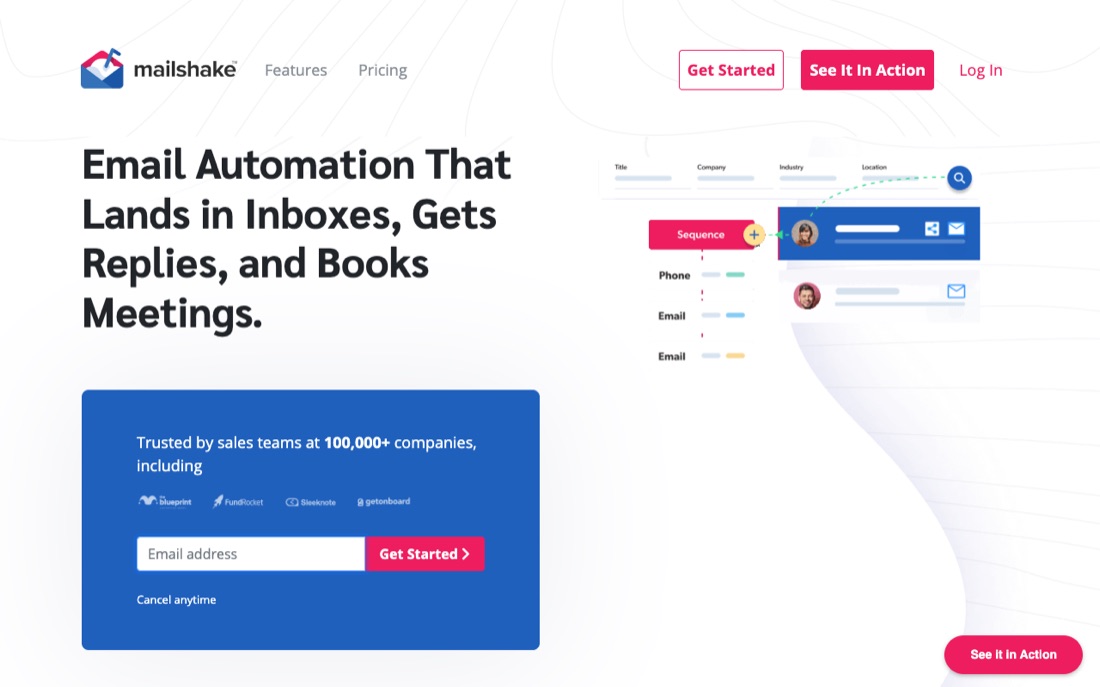
Archived public vendor-page capture for Mailshake; verify the current pageOpen the full-size screenshot in a new tab
Select the image to open it full-size in a new tab. Archived for orientation only; interface and packaging may have changed.

Vendor-documented snapshot · checked July 21, 2026

First-party documentation, not an independent hands-on result or a promise of fit.

Documentation checked · field result unknownThe facts above are vendor-authored. Inclusion is not a fit, safety, or performance verdict; the common proof still decides.
Evidence routine for Mailshake+
  1. 1 · Document. For Mailshake, attach dated official evidence for every item in the criterion above; mark missing answers as unknown rather than inferring them.
  2. 2 · Test. Run the common proof with Mailshake. Keep the sample, inputs, reviewers, time window, and acceptance criteria unchanged.
  3. 3 · Decide. Apply the evidence requirements and stop rule to Mailshake. Record pass, hold, or reject with observed results, unresolved unknowns, an owner, and a review date.
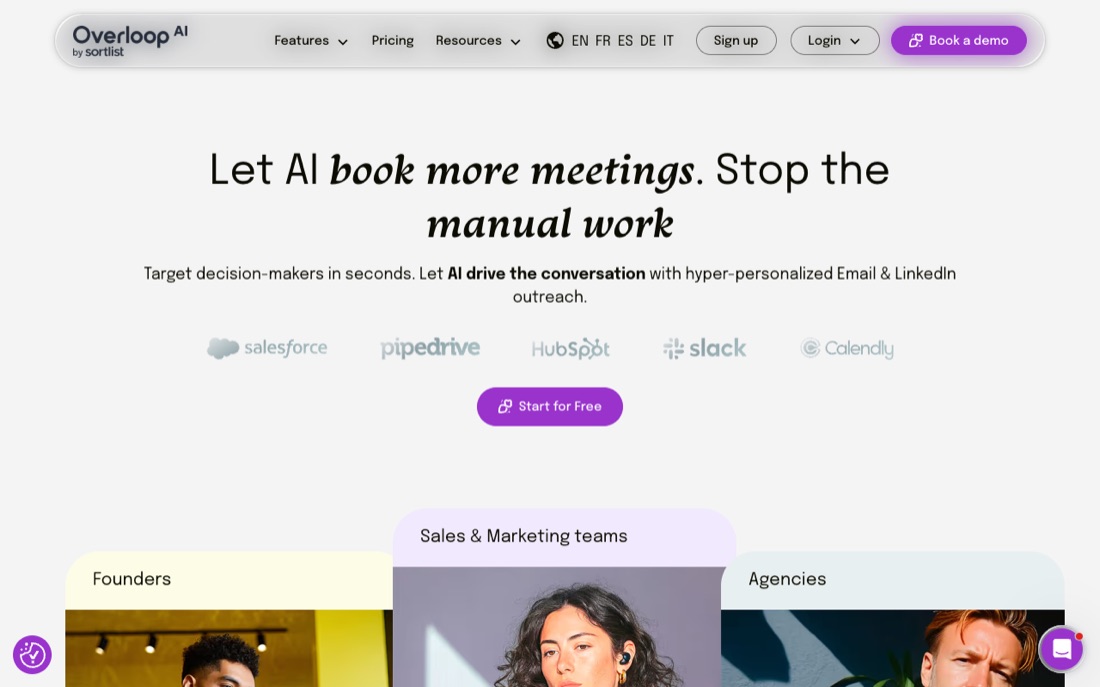
Archived public vendor-page capture for Overloop; verify the current pageOpen the full-size screenshot in a new tab
Select the image to open it full-size in a new tab. Archived for orientation only; interface and packaging may have changed.

Vendor-documented snapshot · checked July 21, 2026

First-party documentation, not an independent hands-on result or a promise of fit.

Documentation checked · field result unknownThe facts above are vendor-authored. Inclusion is not a fit, safety, or performance verdict; the common proof still decides.
Evidence routine for Overloop+
  1. 1 · Document. For Overloop, attach dated official evidence for every item in the criterion above; mark missing answers as unknown rather than inferring them.
  2. 2 · Test. Run the common proof with Overloop. Keep the sample, inputs, reviewers, time window, and acceptance criteria unchanged.
  3. 3 · Decide. Apply the evidence requirements and stop rule to Overloop. Record pass, hold, or reject with observed results, unresolved unknowns, an owner, and a review date.
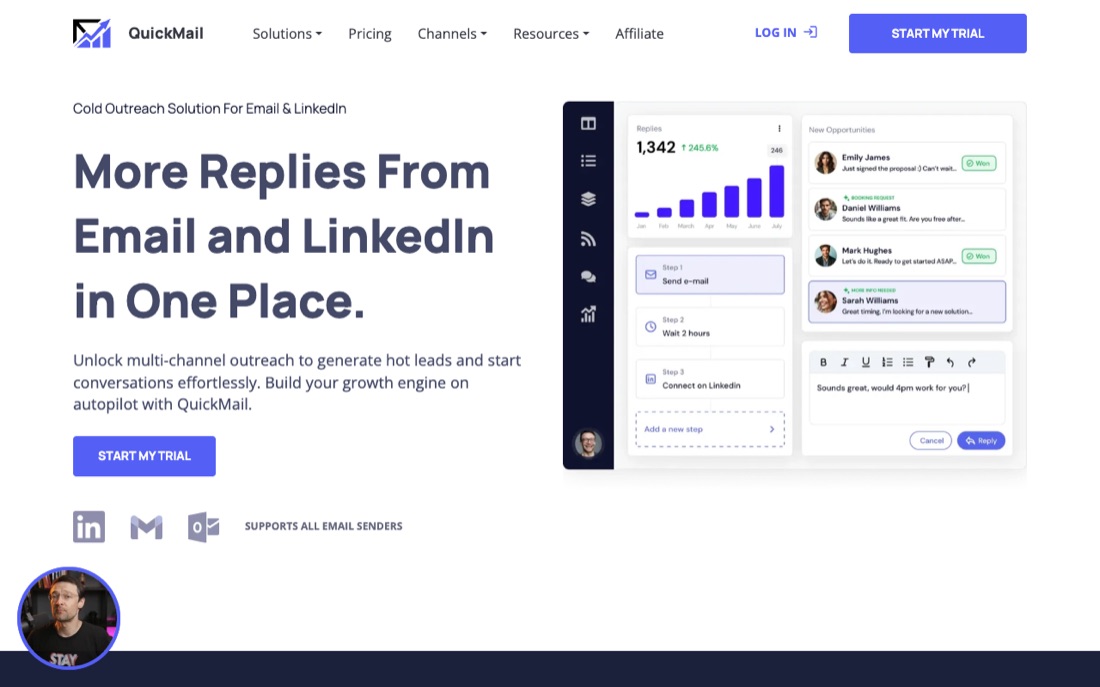
Archived public vendor-page capture for QuickMail; verify the current pageOpen the full-size screenshot in a new tab
Select the image to open it full-size in a new tab. Archived for orientation only; interface and packaging may have changed.

Vendor-documented snapshot · checked July 21, 2026

First-party documentation, not an independent hands-on result or a promise of fit.

Documentation checked · field result unknownThe facts above are vendor-authored. Inclusion is not a fit, safety, or performance verdict; the common proof still decides.
Evidence routine for QuickMail+
  1. 1 · Document. For QuickMail, attach dated official evidence for every item in the criterion above; mark missing answers as unknown rather than inferring them.
  2. 2 · Test. Run the common proof with QuickMail. Keep the sample, inputs, reviewers, time window, and acceptance criteria unchanged.
  3. 3 · Decide. Apply the evidence requirements and stop rule to QuickMail. Record pass, hold, or reject with observed results, unresolved unknowns, an owner, and a review date.
Archived public vendor-page capture for Smartlead; verify the current pageOpen the full-size screenshot in a new tab
Select the image to open it full-size in a new tab. Archived for orientation only; interface and packaging may have changed.

Vendor-documented snapshot · checked July 21, 2026

First-party documentation, not an independent hands-on result or a promise of fit.

Documentation checked · field result unknownThe facts above are vendor-authored. Inclusion is not a fit, safety, or performance verdict; the common proof still decides.
Evidence routine for Smartlead+
  1. 1 · Document. For Smartlead, attach dated official evidence for every item in the criterion above; mark missing answers as unknown rather than inferring them.
  2. 2 · Test. Run the common proof with Smartlead. Keep the sample, inputs, reviewers, time window, and acceptance criteria unchanged.
  3. 3 · Decide. Apply the evidence requirements and stop rule to Smartlead. Record pass, hold, or reject with observed results, unresolved unknowns, an owner, and a review date.

Bookmark this

The field note

The reusable model, scorecard, and exercise from this guide. Keep them in one place for your next pipeline review.

The mental model

  1. Brief01

    Separate inbox operations from campaign judgment

    Define provider compatibility, authentication visibility, inbox ownership, identity, suppression, bounce and complaint handling, reply routing, approved audience, and the human intervention the team can sustain.

  2. Proof02

    Run one authenticated, bounded email pilot

    Use the same authenticated setup, approved audience sample, message, measurement window, and stop rules; simulate a bounce, complaint signal, opt-out, reply, and provider error before any scale decision.

  3. Record03

    Keep decision-grade evidence

    Record configuration time, provider responses, bounces, complaint signals, opt-outs, replies, suppression, intervention time, exports, contract assumptions, and full operating cost.

  4. Decide04

    Choose on control and intervention, not sending capacity

    Pause at the pre-written provider, compliance, or reputation threshold. Do not infer a universal inbox quota, warm-up duration, or separate-domain rule from a tool label.

The 10-point check

  1. CriterionCan current documentation and the test support this requirement: Define provider compatibility, authentication visibility, inbox ownership, identity, suppression, bounce and complaint handling, reply routing, approved audience, and the human intervention the team can sustain.0 · 1 · 2
  2. Same-task proofDid the candidate complete this unchanged test: Use the same authenticated setup, approved audience sample, message, measurement window, and stop rules; simulate a bounce, complaint signal, opt-out, reply, and provider error before any scale decision.0 · 1 · 2
  3. Evidence logDid the team retain this decision evidence: Record configuration time, provider responses, bounces, complaint signals, opt-outs, replies, suppression, intervention time, exports, contract assumptions, and full operating cost.0 · 1 · 2
  4. OwnerCan a named owner operate and review the tested Instantly alternatives workflow without relying on demo-only help?0 · 1 · 2
  5. Stop ruleWould the team reject the candidate when this rule fires: Pause at the pre-written provider, compliance, or reputation threshold. Do not infer a universal inbox quota, warm-up duration, or separate-domain rule from a tool label.0 · 1 · 2

Use 0 for failed, 1 for unresolved, and 2 for observed on the same test. Compare totals only across finalists tested under the same conditions; there is no universal cutoff. The pre-written override is: Pause at the pre-written provider, compliance, or reputation threshold. Do not infer a universal inbox quota, warm-up duration, or separate-domain rule from a tool label.

Worked gate check

Decision brief
Define provider compatibility, authentication visibility, inbox ownership, identity, suppression, bounce and complaint handling, reply routing, approved audience, and the human intervention the team can sustain.
Test run
Use the same authenticated setup, approved audience sample, message, measurement window, and stop rules; simulate a bounce, complaint signal, opt-out, reply, and provider error before any scale decision.
Decision record
Record configuration time, provider responses, bounces, complaint signals, opt-outs, replies, suppression, intervention time, exports, contract assumptions, and full operating cost.
Rejection
Pause at the pre-written provider, compliance, or reputation threshold. Do not infer a universal inbox quota, warm-up duration, or separate-domain rule from a tool label.

20-minute practice

Try it on one account today.

The point is not to automate faster. It is to learn whether the reasoning survives contact with a real account.

  1. 1Turn this criterion into a one-page brief with an owner and checkboxes: Define provider compatibility, authentication visibility, inbox ownership, identity, suppression, bounce and complaint handling, reply routing, approved audience, and the human intervention the team can sustain.
  2. 2Run this exact proof with two finalists and change no inputs between runs: Use the same authenticated setup, approved audience sample, message, measurement window, and stop rules; simulate a bounce, complaint signal, opt-out, reply, and provider error before any scale decision.
  3. 3Build one evidence log from the observed run: Record configuration time, provider responses, bounces, complaint signals, opt-outs, replies, suppression, intervention time, exports, contract assumptions, and full operating cost.
  4. 4Record pass, hold, or reject, and enforce this override regardless of the score: Pause at the pre-written provider, compliance, or reputation threshold. Do not infer a universal inbox quota, warm-up duration, or separate-domain rule from a tool label.
Plain-English glossary
Separate inbox operations from campaign judgment
Define provider compatibility, authentication visibility, inbox ownership, identity, suppression, bounce and complaint handling, reply routing, approved audience, and the human intervention the team can sustain.
Run one authenticated, bounded email pilot
Use the same authenticated setup, approved audience sample, message, measurement window, and stop rules; simulate a bounce, complaint signal, opt-out, reply, and provider error before any scale decision.
Evidence log
Record configuration time, provider responses, bounces, complaint signals, opt-outs, replies, suppression, intervention time, exports, contract assumptions, and full operating cost.
Stop rule
Pause at the pre-written provider, compliance, or reputation threshold. Do not infer a universal inbox quota, warm-up duration, or separate-domain rule from a tool label.
Controlled comparison
Every finalist receives the same inputs, task, reviewers, clock, acceptance criteria, and decision override.
Plain-text field note+

See the decision process

A fair evaluation, with the evidence attached.

Max keeps the criterion, same-task proof, unknowns and stop rule together, so your team can choose without turning a feature list into a verdict.

Max evaluation brief

Same task, same evidence standard

Illustrative example
Decision on holdA must-have remains unresolved

How Max would keep the Instantly alternative evaluation honest

Wait

Evidence Max recorded

For Instantly alternative, Scout records the decision criterion and the source date: Define provider compatibility, authentication visibility, inbox ownership, identity, suppression, bounce and complaint handling, reply routing, approved audience, and the human intervention the team can sustain.

Scout checks current documentation, records access dates, and retains this evidence: Record configuration time, provider responses, bounces, complaint signals, opt-outs, replies, suppression, intervention time, exports, contract assumptions, and full operating cost.

What Max refused to assume

For Instantly alternative, Strategist rejects brand familiarity, feature count, page position, and demo polish as substitutes for this controlled proof: Use the same authenticated setup, approved audience sample, message, measurement window, and stop rules; simulate a bounce, complaint signal, opt-out, reply, and provider error before any scale decision.

Why this status holds

For Instantly alternative, the evaluation can continue, but one or more must-have results remain unresolved. A feature list cannot close that gap.

Decision trace: Strategist applies the unchanged protocol and records Wait without awarding Max or another vendor an automatic victory.

Decision artifact

A dated evaluation brief for Instantly alternative, containing the criterion, same-task results, unresolved evidence, operator effort, full cost, and the written stop rule.

No draft requested. Closer stays out of the evaluation until the human decision is made.

Your evaluator stays in control

A named human evaluator checks dated sources and same-task results for Instantly alternative, then owns the shortlist or rejection. Neither this page nor Max makes the purchase decision automatically.

Make the next evaluation inspectable.

Use Max to structure the Instantly alternative decision without replacing the controlled test or the human evaluator.

Start for free

Cancel anytime

Evidence desk

Research notes and sources

Sources were checked on . Each note states the limited point the source supports, so a benchmark is not mistaken for a promise.

How to read this bibliography

These references support the factual context and methods in this guide. They do not certify every sentence, validate a vendor's marketing claims, or imply that Max ran a hands-on product test. Vendor and industry research can still be useful, but its commercial incentives, sample, geography, and date should remain visible.

  1. Official guidanceYahoo Sender Hub·Requirements effective February 2024; accessed 2026-07-21

    Email Sender Requirements and Best Practices (opens in a new tab)

    What it supports
    Yahoo requirements for SPF/DKIM/DMARC, complaint rates, DNS, standards compliance, and easy unsubscribe for bulk senders.
    Limit
    Official Yahoo guidance, not a guarantee of delivery. Reputation, engagement, content, and recipient behavior remain relevant.
  2. Official vendor pageMax·Live page; accessed 2026-07-21

    Max homepage: How it works (opens in a new tab)

    What it supports
    Max's homepage says it reads a company's website to build an ICP, then uses that ICP to monitor signals including hiring, funding, executive hires, and product launches.
    Limit
    Vendor-authored documentation, not a comparative or hands-on result. Recheck the current page and reproduce the common proof before making a replacement decision.
  3. Official vendor pageMax·Live page; accessed 2026-07-21

    Max homepage: Enrichment and integrations (opens in a new tab)

    What it supports
    Max's homepage documents enriched lead fields and says leads can be pushed to Overloop, Instantly, and lemlist, or handed off through Zapier, Make, or a webhook.
    Limit
    Vendor-authored documentation, not a comparative or hands-on result. Recheck the current page and reproduce the common proof before making a replacement decision.
  4. Official vendor pageInstantly·Live page; accessed 2026-07-21

    Campaign Options | Instantly Help Center (opens in a new tab)

    What it supports
    Instantly documents assigning multiple sending accounts to one campaign, with campaign-level daily limits and optional text-only delivery optimization. Campaign controls can stop follow-ups after an individual reply or stop outreach to the other contacts at that company, and can add a one-click-compatible unsubscribe header.
    Limit
    Vendor-authored documentation, not a comparative or hands-on result. Recheck the current page and reproduce the common proof before making a replacement decision.

Methodology

How this brief was built.

Last material update
July 21, 2026. The Max and Instantly source pages were checked on the date shown; a year in the title is never treated as proof of freshness.
Evidence included
The brief paraphrases 2 narrow Max statements and 2 Instantly statements from the linked first-party pages. It does not convert those statements into scores.
Decision method
Define provider compatibility, authentication visibility, inbox ownership, identity, suppression, bounce and complaint handling, reply routing, approved audience, and the human intervention the team can sustain. Both products receive the same inputs, users, clock, acceptance criteria, reviewers, evidence log, and pre-written rejection rule.
Known limits
For Max: The Max homepage does not establish mailbox rotation, warm-up operations, campaign throttling, deliverability diagnostics, reply handling, or the daily intervention effort required for an Instantly-style sending workflow. For Instantly: Instantly's cited page does not establish provider fit, inbox-placement or reply outcomes, complaint risk, intervention effort, or whether its campaign controls fit your operating rules.

Questions

Questions buyers ask before acting.

Can your real mailbox and campaign configuration be operated with the required limits, suppression, and recovery controls?

Test the actual mailboxes and campaign configuration, not a clean vendor workspace built for the demo. Max documents that it reads a company's website to build an ICP, then uses that ICP to monitor signals including hiring, funding, executive hires, and product launches. Instantly documents assigning multiple sending accounts to one campaign, with campaign-level daily limits and optional text-only delivery optimization. Judge the run by controlled mailbox behavior and buyer impact, never by the volume a campaign can emit.

Primary source: Max · Max · Instantly

Which provider and buyer-impact measures will expose a sending failure before activity volume hides it?

Sending volume is irrelevant when suppression, recovery, or buyer-impact controls fail under normal operation. The Max homepage does not establish mailbox rotation, warm-up operations, campaign throttling, deliverability diagnostics, reply handling, or the daily intervention effort required for an Instantly-style sending workflow. Instantly's cited page does not establish provider fit, inbox-placement or reply outcomes, complaint risk, intervention effort, or whether its campaign controls fit your operating rules. The first unresolved sending control takes priority over optional breadth because it can stop the whole test.
Primary source: Max · Max · Instantly

Can an ICP-and-signal decision enter the Instantly workflow without losing source, owner, or approval context?

Record daily limits, mailbox state, suppressions, provider errors, interventions, replies, and recovery time. Use the same authenticated setup, approved audience sample, message, measurement window, and stop rules; simulate a bounce, complaint signal, opt-out, reply, and provider error before any scale decision. Record configuration time, provider responses, bounces, complaint signals, opt-outs, replies, suppression, intervention time, exports, contract assumptions, and full operating cost. Another operator should be able to restore the campaign from the logged configuration, limits, and exception history.

Primary source: Instantly

When should a team using Instantly rule out Max?

Rule Max out when mailbox operations are a must-have and no documented route can reproduce them. The Max homepage does not establish mailbox rotation, warm-up operations, campaign throttling, deliverability diagnostics, reply handling, or the daily intervention effort required for an Instantly-style sending workflow. Pause at the pre-written provider, compliance, or reputation threshold. Do not infer a universal inbox quota, warm-up duration, or separate-domain rule from a tool label. If mailbox rotation or recovery is mandatory, missing operational evidence closes the Max evaluation.

Primary source: Max · Max · Instantly

When should Instantly be ruled out in this comparison?

Rule Instantly out when the configured campaign breaches a written control or hides unacceptable intervention work. Instantly's cited page does not establish provider fit, inbox-placement or reply outcomes, complaint risk, intervention effort, or whether its campaign controls fit your operating rules. Pause at the pre-written provider, compliance, or reputation threshold. Do not infer a universal inbox quota, warm-up duration, or separate-domain rule from a tool label. Instantly stays only when the real campaign respects suppression, recovery, and intervention thresholds throughout the window.

Primary source: Instantly

From comparison to controlled test

Make the next tool decision with the evidence visible.

Use Max to structure the Instantly alternative decision without replacing the controlled test or the human evaluator.

Start for free

Cancel anytime