What’s new in Max

The meaningful updates helping you source better leads.

Last updated

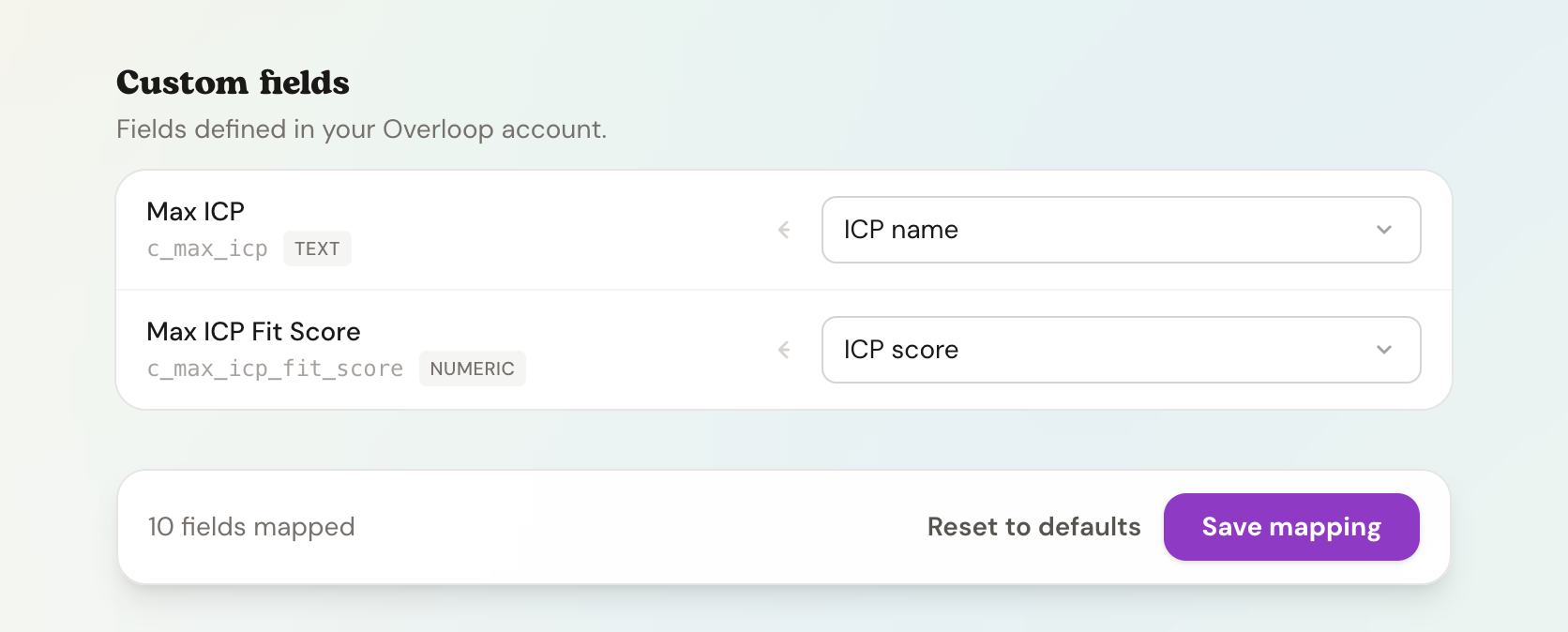
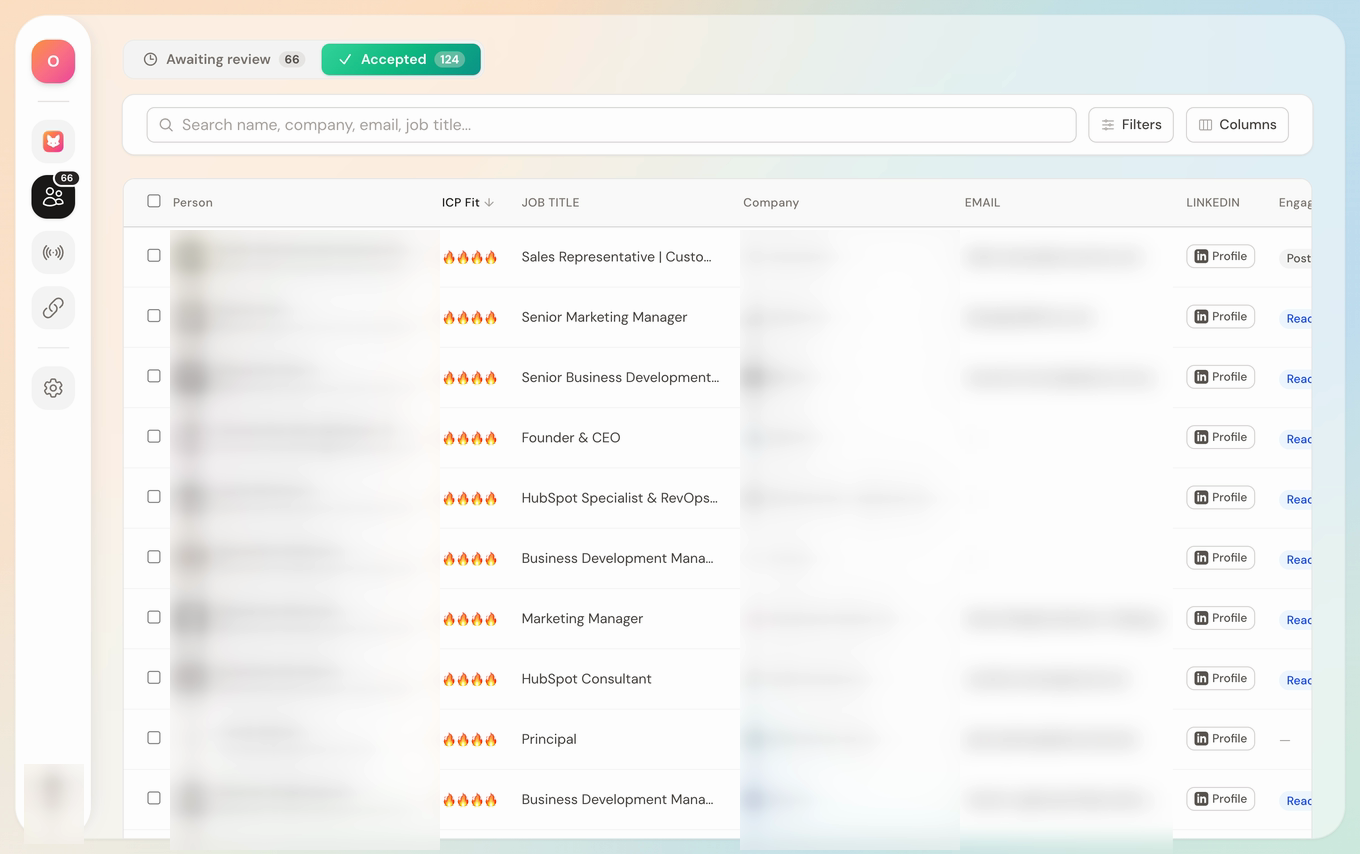
Map Max fields to Overloop.

Map Max fields to standard or custom prospect fields in Overloop, including ICP name and fit score. Overloop workflow conditions can then use those values to route leads sent from Max, so leads from ICP A enter campaign A and leads from ICP B enter campaign B.

Read update
Max field mapping for Overloop custom prospect fields
1 · Map in Max
2 · Arrives inOverloop
MAX ICPPrimary ICPMAX ICP FIT SCORE3
3 · Overloop workflow
Primary ICPCampaign A

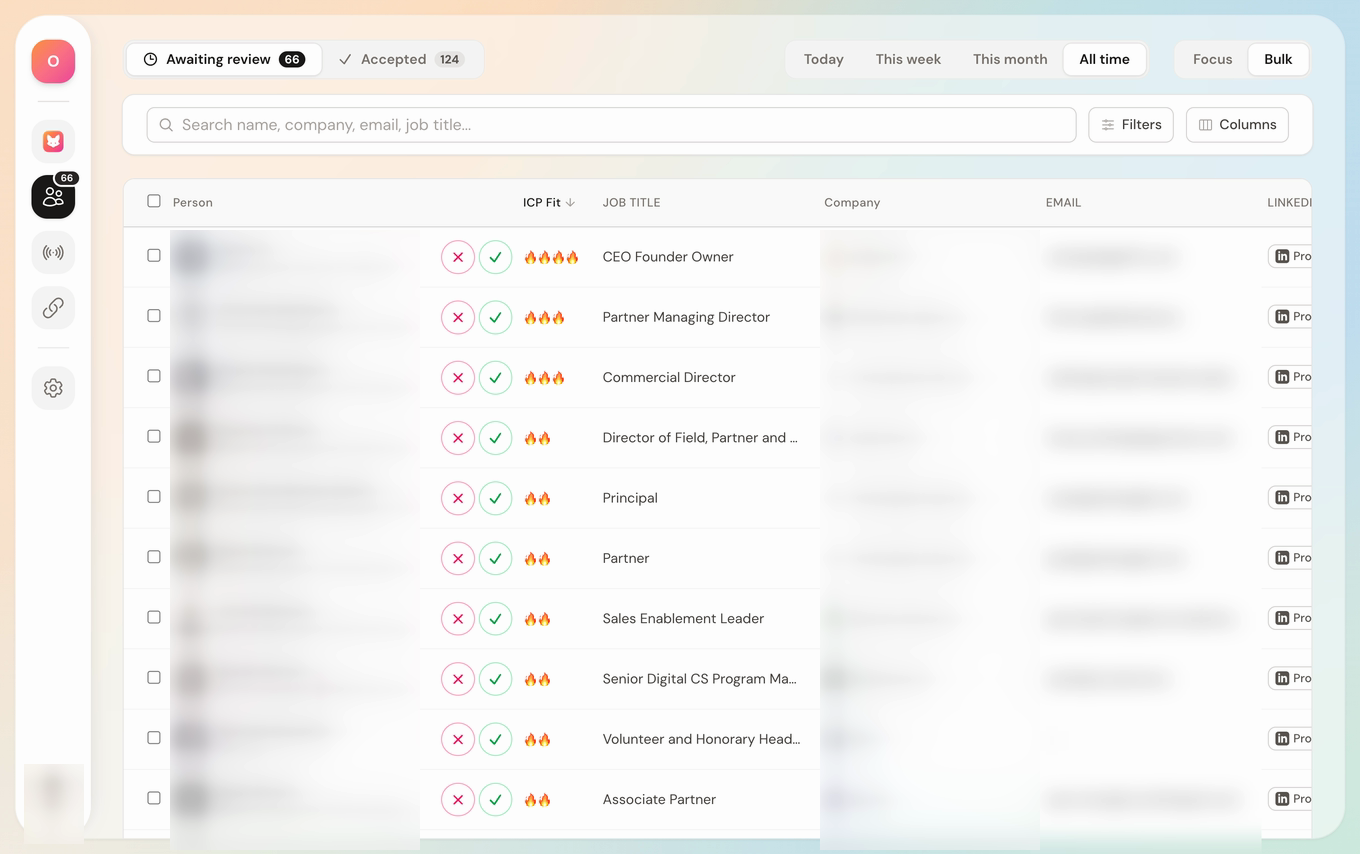
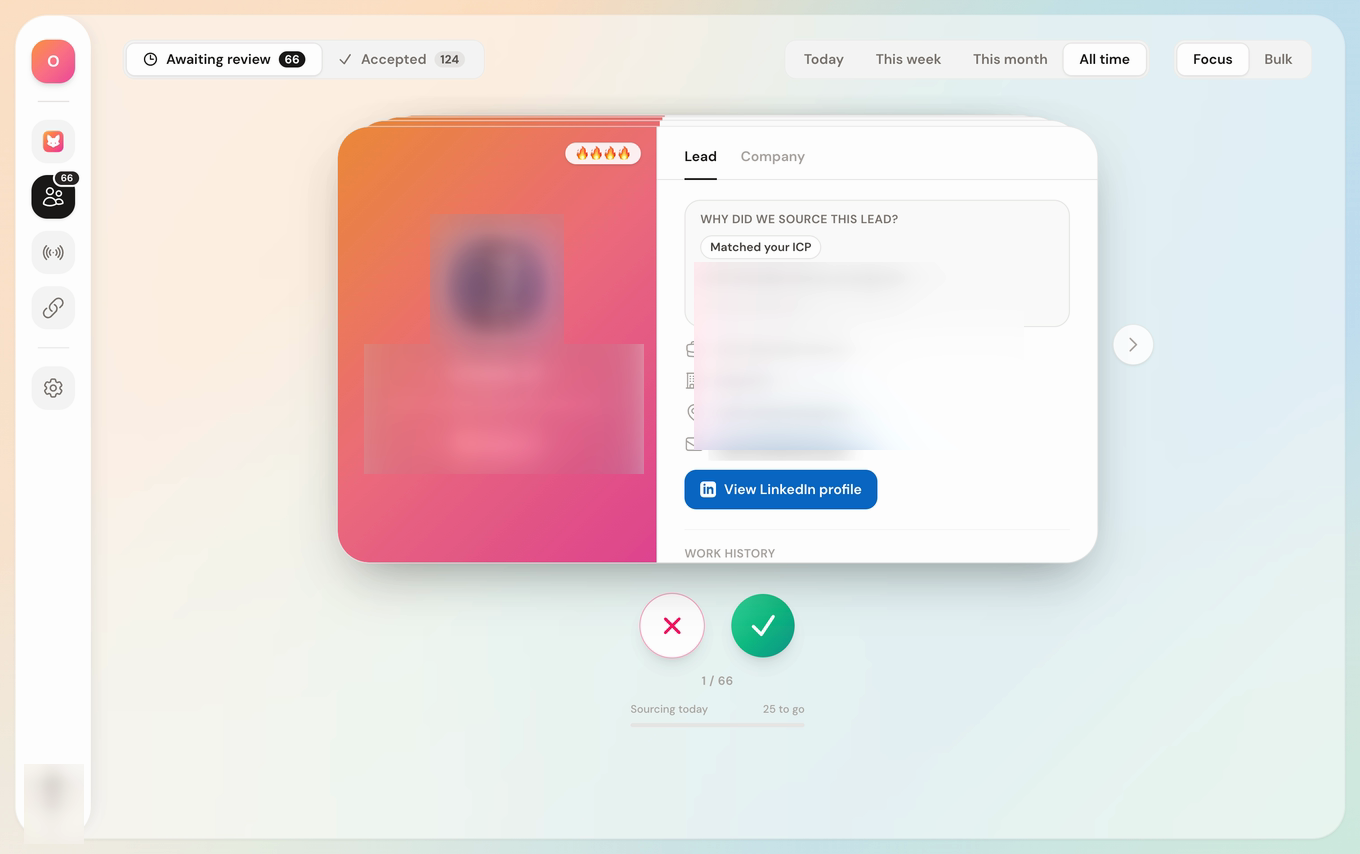
Tell Max why a lead isn’t a fit.

When you reject a lead, you can now choose the reason. Max uses that feedback to improve future sourcing, so the next leads it finds match your ICP more closely.

Max leads queue behind the prompt asking why a lead is not a fit

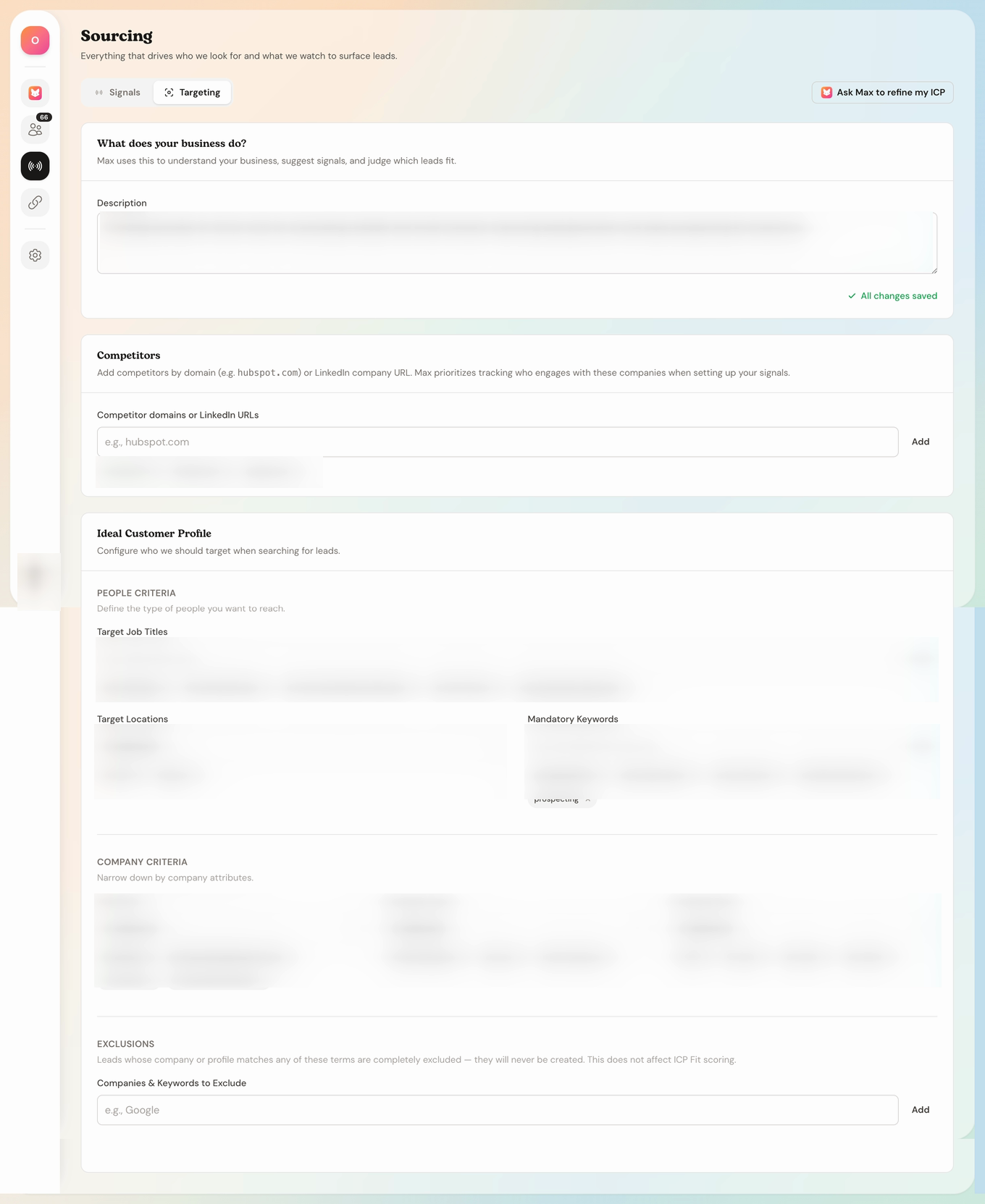
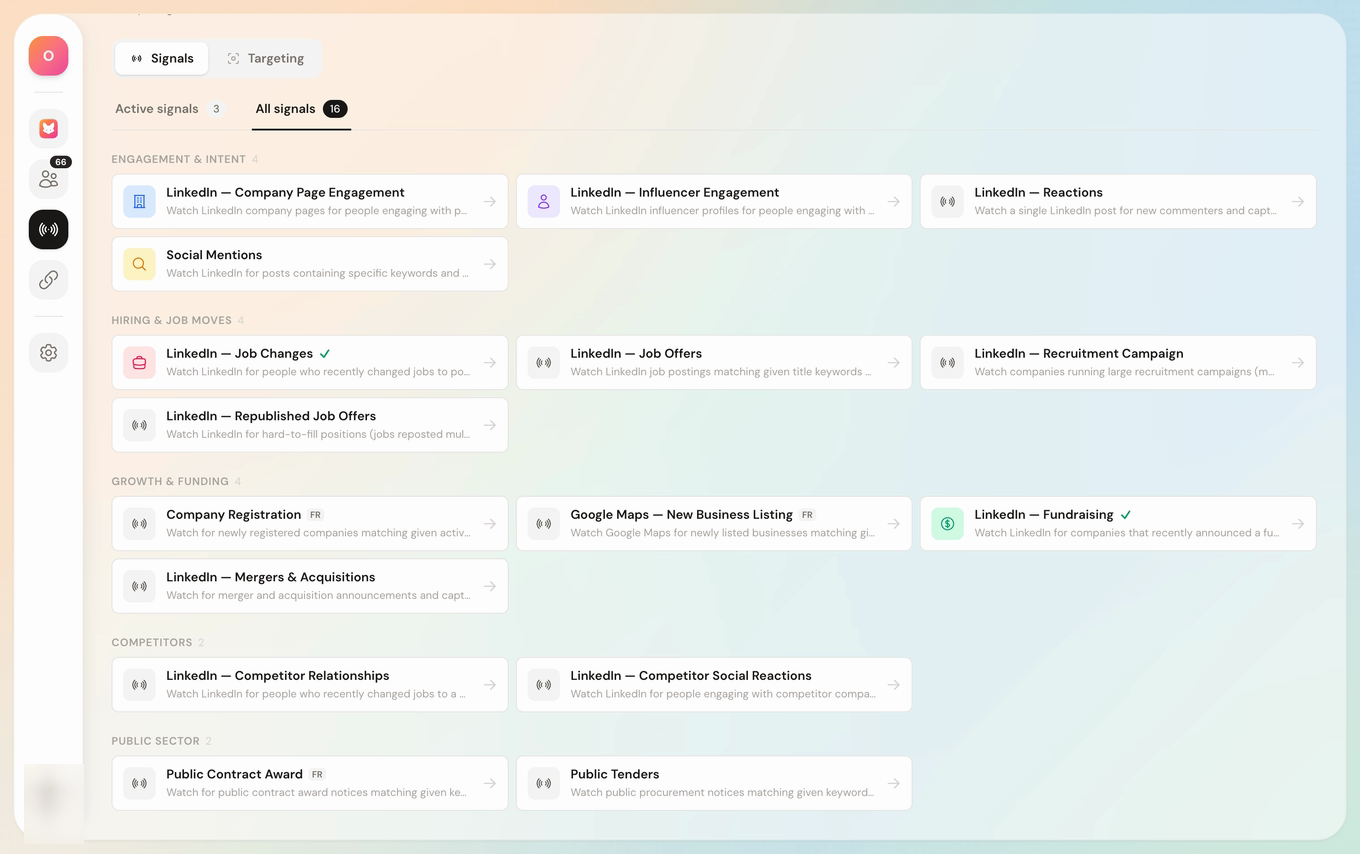
Create multiple ICPs in one workspace.

You can now create a separate Ideal Customer Profile for each segment, geography, or offer. Max qualifies every lead against the right ICP, so you can run several go-to-market motions without mixing their targeting.

Max targeting screen for configuring an Ideal Customer Profile
Ideal customer profiles3 profiles
ENEnterprise SaaSEurope · 200–2,000 employees
USUS scale-upsUnited States · Series A–C
AGDigital agencies10–100 employees · B2B

See why Max recommended every lead.

Routine results now include the signal and source behind each recommendation. You can check the evidence before adding a lead to a campaign.

Max lead detail showing why a prospect was sourced
Why did we source this lead?Matched your ICPSignal and source evidence attached

Product updates

Know when Max gets meaningfully better.

One concise note, only when there’s something worth your attention.