
The best cold email software, compared for 2026

Nicolas Finet·Updated 29 min read

The answer in 60 seconds

How should you evaluate cold email software?

There is no evidenced universal winner among cold email software. Define the job, non-negotiable constraints, operating owner, and success measure first; then test the independent candidates below on the same real task. Each card separates vendor-documented facts from the still-unknown result of that test. Because Max publishes this guide, it is excluded from the independent shortlist and evaluated in a separate disclosed block.

Choosing among cold email software starts with the job your current workflow does not solve. This brief gives you narrow facts from first-party pages checked July 21, 2026, plus one criterion, repeatable proof, evidence log, and rejection rule to apply before you buy. Recheck current pricing, packaging, and limits at source.

Published . Last materially updated .

Source checkGoogle Search Central: Write High Quality Reviews

Open the primary source (opens in a new tab)

Supports
The editorial method for useful comparisons: demonstrate expertise, show evidence, discuss benefits and drawbacks, identify decision factors, and explain what distinguishes an option.
Doesn’t prove
Search-quality guidance, not an endorsement of this shortlist or proof that a comparison will rank. Direct product claims still require product-level evidence.
Use this guideWrite the permitted email program before choosing a senderLearning goals

Frame the decision

A useful comparison of cold email software starts with the job you need done, not with the longest feature list. For this decision, use one written criterion: Verify provider compatibility, identity and opt-out controls, authentication visibility, suppression handling, bounce and complaint handling, exports, and total operating effort.

By the end, you will be able to shortlist cold email software by running “Run the same bounded provider-aware pilot” and applying a rejection rule written before the test.

After this guide, you can

  1. 01Turn this category decision into a checkable brief: Verify provider compatibility, identity and opt-out controls, authentication visibility, suppression handling, bounce and complaint handling, exports, and total operating effort.
  2. 02Apply the same proof to every finalist: Use the same approved audience sample, content constraints, authenticated setup, measurement window, and written stop conditions for every finalist; change one variable at a time.
  3. 03Keep the required evidence and enforce the stop rule: Record provider errors, delivery and reply outcomes, bounces, complaint signals, suppression behavior, operator time, contract terms, and the date of every source consulted. Pause on the pre-agreed compliance or reputation threshold. Do not infer a universal quota, warm-up requirement or duration, or separate-domain rule from one vendor’s advice.

The field note turns this page’s criterion, proof, evidence log, and stop rule into a reusable evaluation sheet. It is not a ranking or an automatic purchase rule.

Reduce the shortlist

Start with the job, not a winner

Pick the output you actually need. The names in each lane have at least one dated first-party claim that explicitly documents that job; select a name to inspect its evidence card.

Decision in 30 seconds

Reduce the list before opening vendor demos

  1. 01 · Required job

    Choose one lane below. Treat every candidate without dated first-party evidence for that job as a research gap.

  2. 02 · Non-negotiable

    Verify provider compatibility, identity and opt-out controls, authentication visibility, suppression handling, bounce and complaint handling, exports, and total operating effort.

  3. 03 · Test and stop

    Use the same approved audience sample, content constraints, authenticated setup, measurement window, and written stop conditions for every finalist; change one variable at a time.

    Reject when: Pause on the pre-agreed compliance or reputation threshold. Do not infer a universal quota, warm-up requirement or duration, or separate-domain rule from one vendor’s advice.

  • Build and run email sequences

    Turn an approved audience and message into a controlled email workflow.

    8
    Why these names appear
    • Apollo: Apollo documents Sequences as planned, customizable outreach campaigns whose touchpoints can include emails, phone calls, social engagement, and rep tasks.
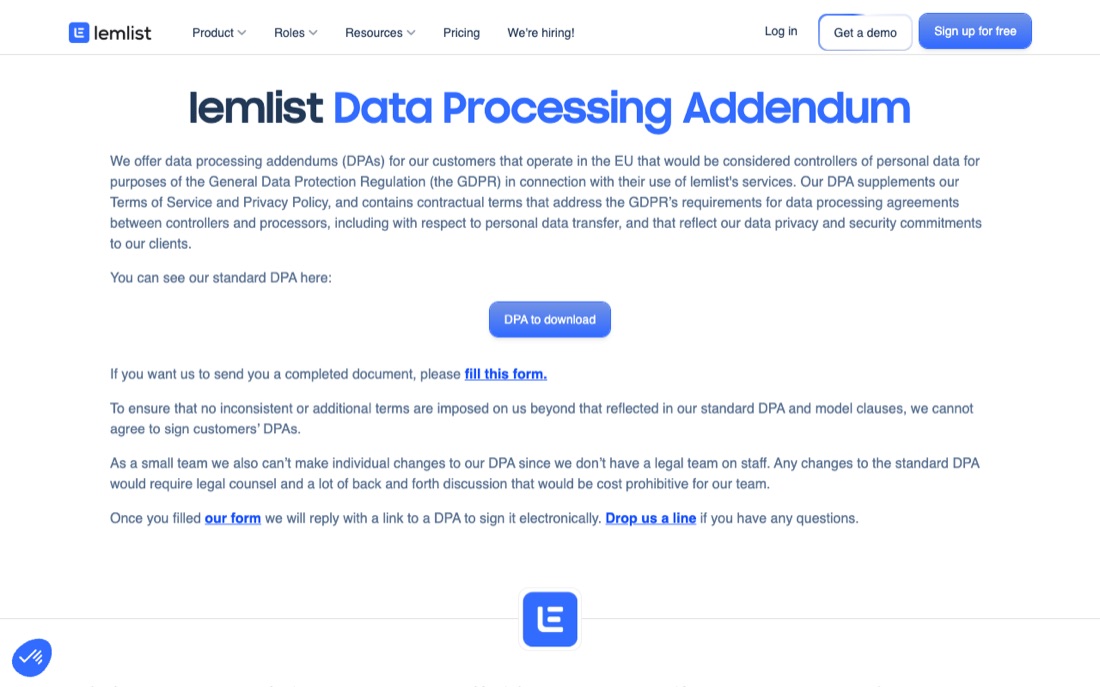
    • lemlist: lemlist documents multichannel sequences spanning email, automated LinkedIn actions, in-app calling, voice messages, and manual tasks.
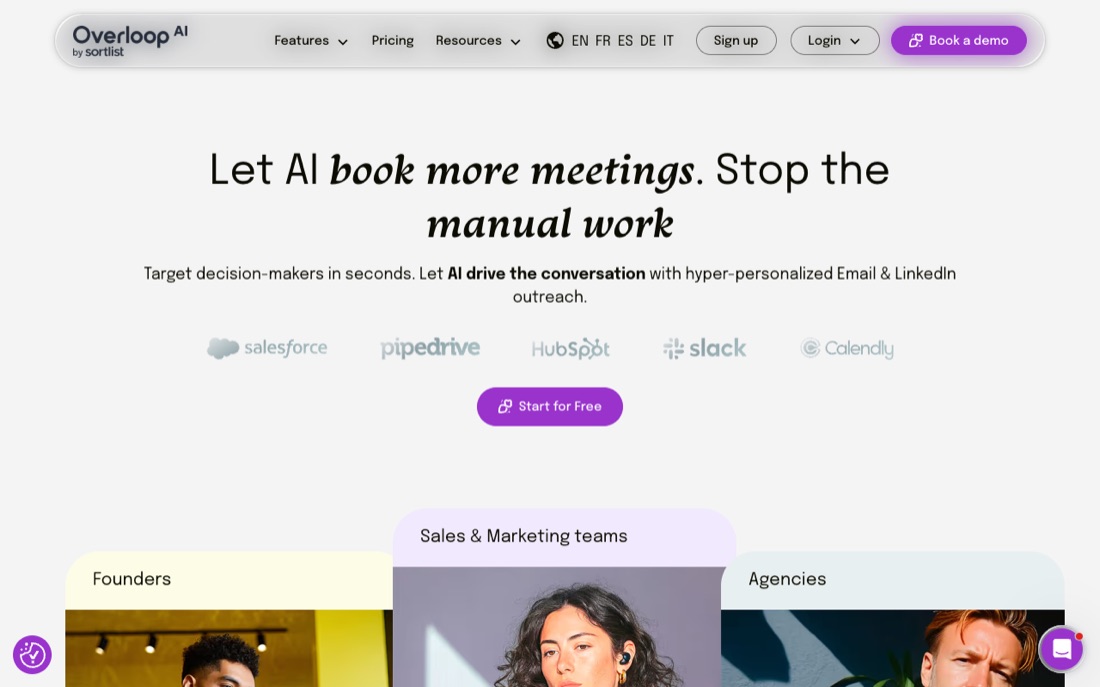
    • Overloop: Overloop documents an integrated contact database and AI-generated multichannel sequences spanning email and LinkedIn, including sequence steps, timing, messages, and follow-ups.
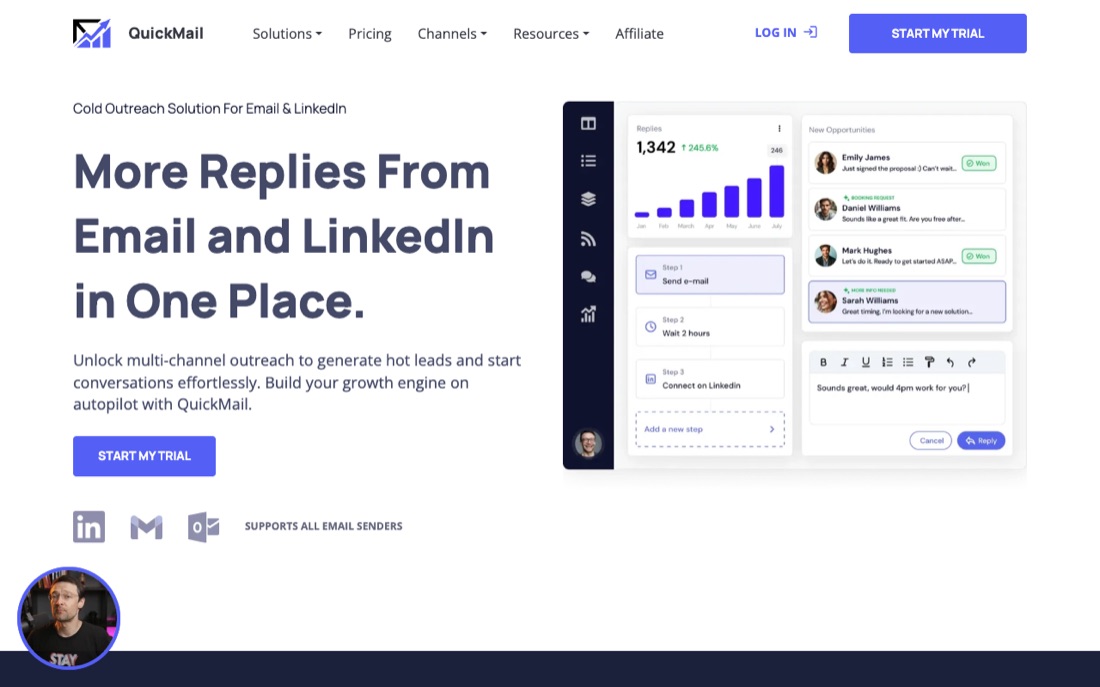
    • QuickMail: QuickMail documents combined email and LinkedIn outreach, with connection messages, InMail, and voice messages alongside email sending, warming, and sender rotation.
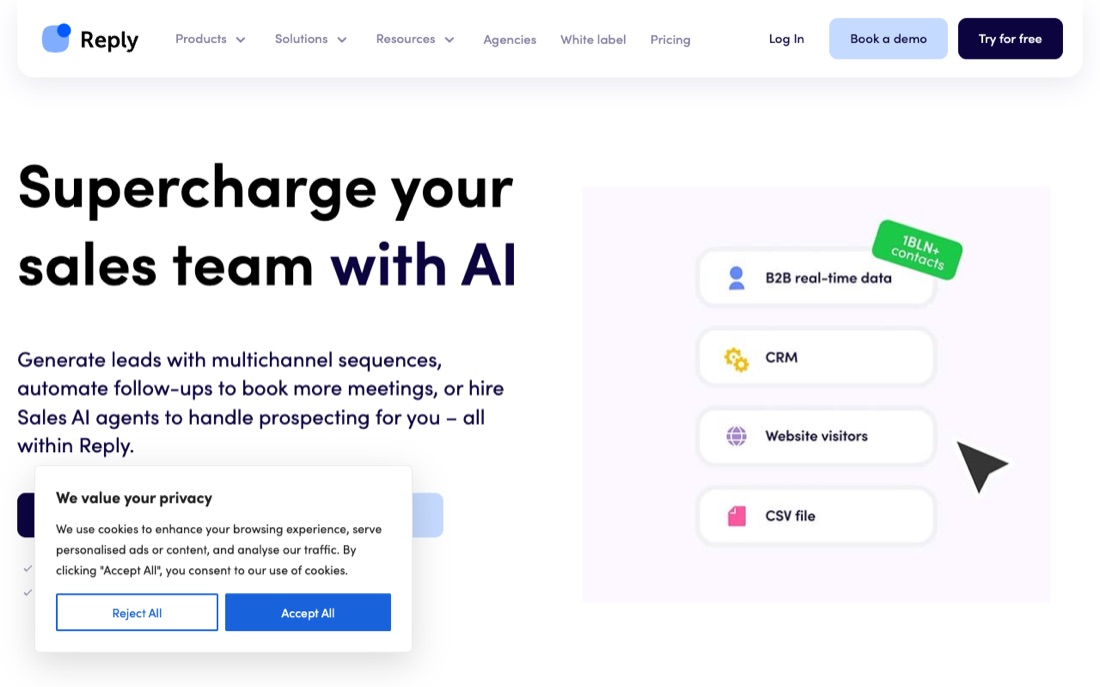
    • Reply.io: Reply's sequence API documents steps for email, LinkedIn messages and profile actions, calls, SMS, WhatsApp, manual tasks, and conditions in one sequence model.
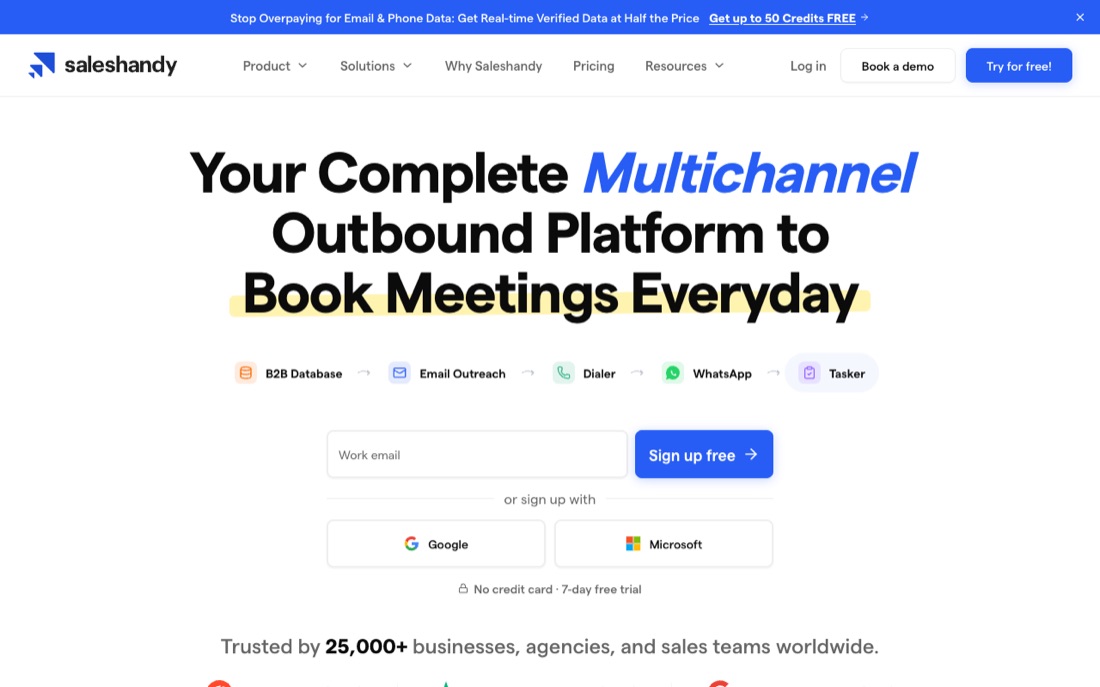
    • Saleshandy: Saleshandy documents sender rotation across multiple email accounts in one sequence while keeping each prospect's follow-ups on the same sending account.
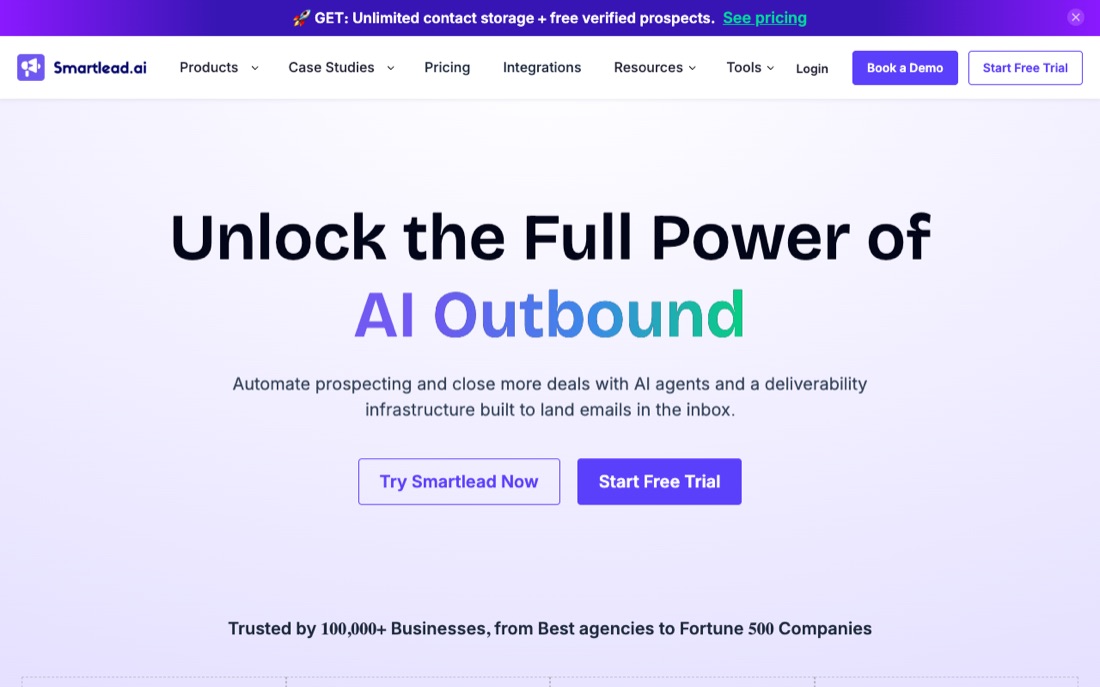
    • Smartlead: Smartlead's campaign builder combines automated email steps with manual tasks that pause a sequence until completion, including tasks for calls, LinkedIn outreach, or reply review.
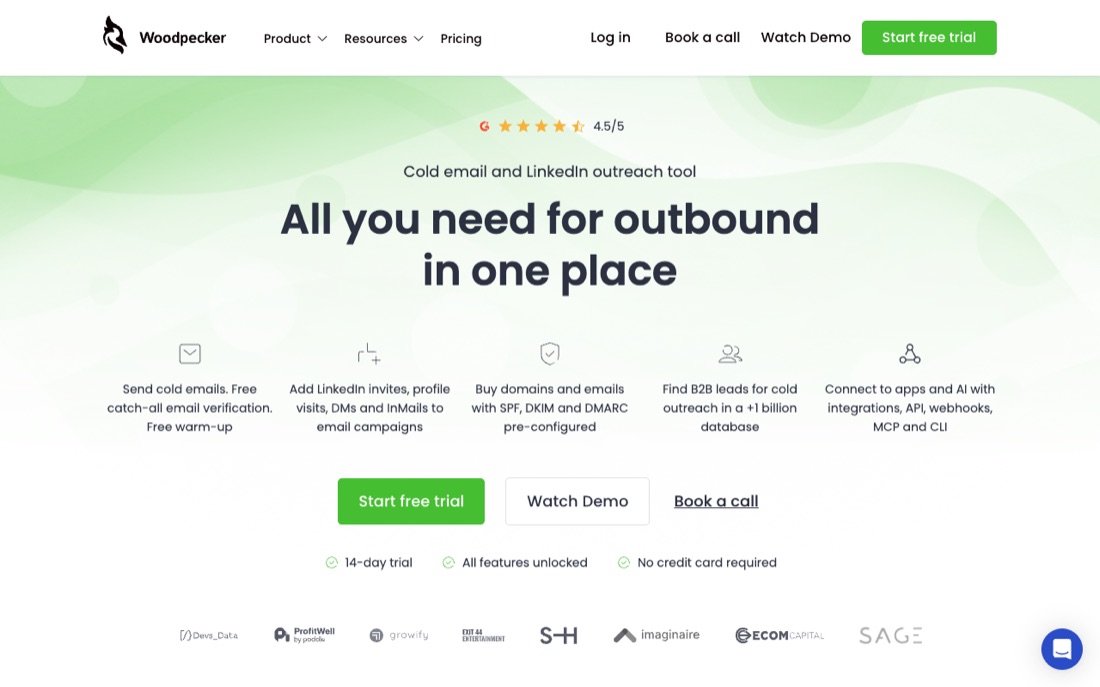
    • Woodpecker: Woodpecker documents LinkedIn tasks for profile visits, connection requests, direct messages, and InMail alongside email, manual-task, call, and SMS steps; an accepted invitation can branch to a LinkedIn message while the other path can route to email.
  • Operate multiple senders or teammates

    Coordinate more than one sender or operator without treating scale as a result.

    1
    Why these names appear
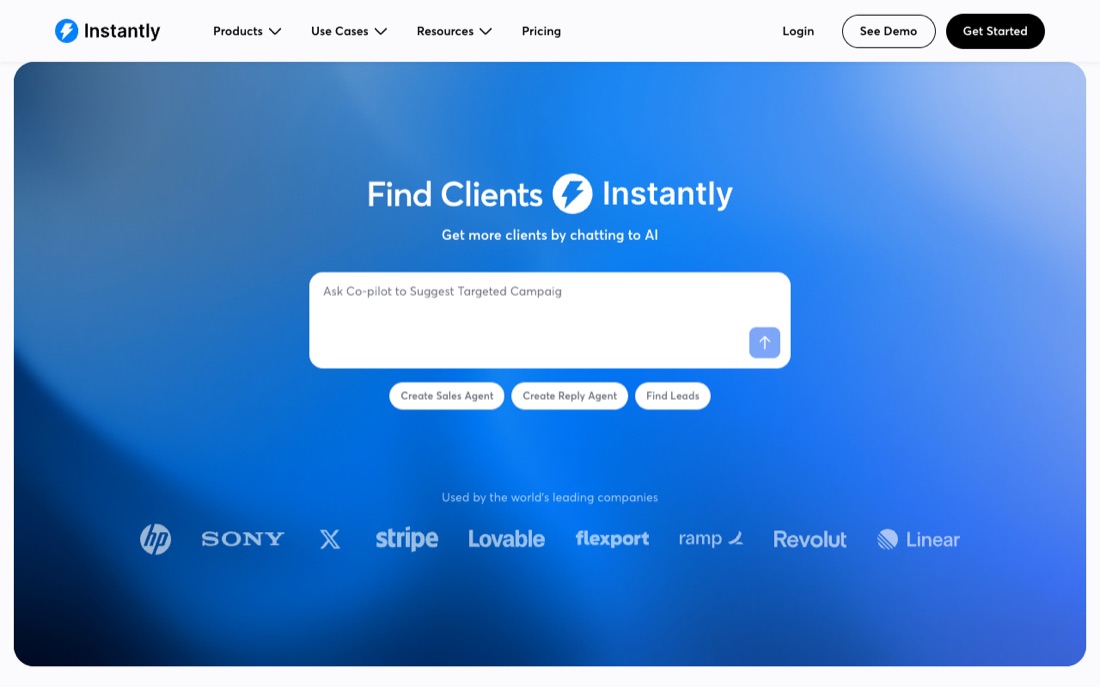
    • Instantly: Instantly documents assigning multiple sending accounts to one campaign, with campaign-level daily limits and optional text-only delivery optimization.
  • Route replies or meetings

    Stop, route, review, or advance a sequence when a person responds.

    3
    Why these names appear
    • Instantly: Campaign controls can stop follow-ups after an individual reply or stop outreach to the other contacts at that company, and can add a one-click-compatible unsubscribe header.
    • lemlist: In an active lemlist campaign, steps cannot be removed, reordered, or replaced; replies stop the sequence, while already-created manual tasks can still trigger sends if completed during a pause.
    • QuickMail: The product page says email and LinkedIn replies return to one inbox and documents native two-way synchronization with HubSpot and Pipedrive.
  • Add calls or dialer steps

    Place a permitted call step inside the same governed sales workflow.

    5
    Why these names appear
    • Apollo: Apollo documents Sequences as planned, customizable outreach campaigns whose touchpoints can include emails, phone calls, social engagement, and rep tasks.
    • lemlist: lemlist documents multichannel sequences spanning email, automated LinkedIn actions, in-app calling, voice messages, and manual tasks.
    • Reply.io: Reply's sequence API documents steps for email, LinkedIn messages and profile actions, calls, SMS, WhatsApp, manual tasks, and conditions in one sequence model.
    • Smartlead: Smartlead's campaign builder combines automated email steps with manual tasks that pause a sequence until completion, including tasks for calls, LinkedIn outreach, or reply review.
    • Woodpecker: Woodpecker documents LinkedIn tasks for profile visits, connection requests, direct messages, and InMail alongside email, manual-task, call, and SMS steps; an accepted invitation can branch to a LinkedIn message while the other path can route to email.
  • Write back or hand off to a CRM

    Preserve accepted records, activity, and ownership in the operating system of record.

    1
    Why these names appear
    • QuickMail: The product page says email and LinkedIn replies return to one inbox and documents native two-way synchronization with HubSpot and Pipedrive.
  • Add documented LinkedIn steps

    Map LinkedIn research or outreach actions before applying the platform-policy gate.

    6
    Why these names appear
    • lemlist: lemlist documents multichannel sequences spanning email, automated LinkedIn actions, in-app calling, voice messages, and manual tasks.
    • Overloop: Overloop documents an integrated contact database and AI-generated multichannel sequences spanning email and LinkedIn, including sequence steps, timing, messages, and follow-ups.
    • QuickMail: QuickMail documents combined email and LinkedIn outreach, with connection messages, InMail, and voice messages alongside email sending, warming, and sender rotation.
    • Reply.io: Reply's sequence API documents steps for email, LinkedIn messages and profile actions, calls, SMS, WhatsApp, manual tasks, and conditions in one sequence model.
    • Smartlead: Smartlead's campaign builder combines automated email steps with manual tasks that pause a sequence until completion, including tasks for calls, LinkedIn outreach, or reply review.
    • Woodpecker: Woodpecker documents LinkedIn tasks for profile visits, connection requests, direct messages, and InMail alongside email, manual-task, call, and SMS steps; an accepted invitation can branch to a LinkedIn message while the other path can route to email.

The evaluation protocol

One proof, applied to every candidate

The list below is alphabetical, not ranked. Each card separates narrow facts found in first-party documentation from results we have not observed. Vendor documentation can establish what a product says it does; only the same-task proof can establish whether it works for your case.

  1. Criterion01

    Verify provider compatibility, identity and opt-out controls, authentication visibility, suppression handling, bounce and complaint handling, exports, and total operating effort.

  2. Same-task proof02

    Use the same approved audience sample, content constraints, authenticated setup, measurement window, and written stop conditions for every finalist; change one variable at a time.

  3. Evidence to keep03

    Record provider errors, delivery and reply outcomes, bounces, complaint signals, suppression behavior, operator time, contract terms, and the date of every source consulted.

  4. Stop rule04

    Pause on the pre-agreed compliance or reputation threshold. Do not infer a universal quota, warm-up requirement or duration, or separate-domain rule from one vendor’s advice.

The candidates

Build a dated evidence sheet for each option

We checked the cited first-party pages on July 21, 2026. The notes below are traceable product facts, not hands-on findings. Reopen every source because packaging and capabilities can change, then record the common proof before deciding.

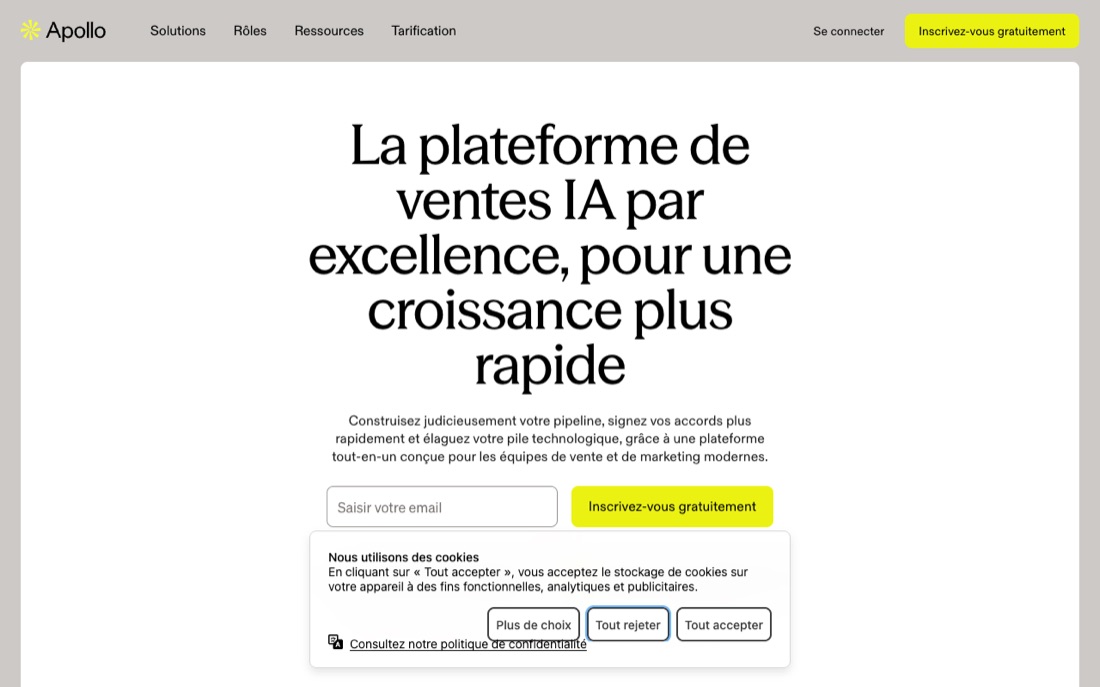
Archived public vendor-page capture for Apollo; verify the current pageOpen the full-size screenshot in a new tab
Select the image to open it full-size in a new tab. Archived for orientation only; interface and packaging may have changed.

Vendor-documented snapshot · checked July 21, 2026

  • Apollo documents People search across its person database using filters such as persona, job title, location, and company size; saved results can be enrolled in a sequence, exported to CSV, or added to a list.

    Source: Search for People – Apollo ↗
  • Apollo documents Sequences as planned, customizable outreach campaigns whose touchpoints can include emails, phone calls, social engagement, and rep tasks.

    Source: Sequences Overview – Apollo ↗

First-party documentation, not an independent hands-on result or a promise of fit.

Documentation checked · field result unknownThe facts above are vendor-authored. Inclusion is not a fit, safety, or performance verdict; the common proof still decides.
Evidence routine for Apollo+
  1. 1 · Document. For Apollo, attach dated official evidence for every item in the criterion above; mark missing answers as unknown rather than inferring them.
  2. 2 · Test. Run the common proof with Apollo. Keep the sample, inputs, reviewers, time window, and acceptance criteria unchanged.
  3. 3 · Decide. Apply the evidence requirements and stop rule to Apollo. Record pass, hold, or reject with observed results, unresolved unknowns, an owner, and a review date.

Archived public vendor-page capture for Instantly; verify the current pageOpen the full-size screenshot in a new tab
Select the image to open it full-size in a new tab. Archived for orientation only; interface and packaging may have changed.

Vendor-documented snapshot · checked July 21, 2026

First-party documentation, not an independent hands-on result or a promise of fit.

Documentation checked · field result unknownThe facts above are vendor-authored. Inclusion is not a fit, safety, or performance verdict; the common proof still decides.
Evidence routine for Instantly+
  1. 1 · Document. For Instantly, attach dated official evidence for every item in the criterion above; mark missing answers as unknown rather than inferring them.
  2. 2 · Test. Run the common proof with Instantly. Keep the sample, inputs, reviewers, time window, and acceptance criteria unchanged.
  3. 3 · Decide. Apply the evidence requirements and stop rule to Instantly. Record pass, hold, or reject with observed results, unresolved unknowns, an owner, and a review date.
Archived public vendor-page capture for lemlist; verify the current pageOpen the full-size screenshot in a new tab
Select the image to open it full-size in a new tab. Archived for orientation only; interface and packaging may have changed.

Vendor-documented snapshot · checked July 21, 2026

First-party documentation, not an independent hands-on result or a promise of fit.

Documentation checked · field result unknownThe facts above are vendor-authored. Inclusion is not a fit, safety, or performance verdict; the common proof still decides.
Evidence routine for lemlist+
  1. 1 · Document. For lemlist, attach dated official evidence for every item in the criterion above; mark missing answers as unknown rather than inferring them.
  2. 2 · Test. Run the common proof with lemlist. Keep the sample, inputs, reviewers, time window, and acceptance criteria unchanged.
  3. 3 · Decide. Apply the evidence requirements and stop rule to lemlist. Record pass, hold, or reject with observed results, unresolved unknowns, an owner, and a review date.
Archived public vendor-page capture for Mailshake; verify the current pageOpen the full-size screenshot in a new tab
Select the image to open it full-size in a new tab. Archived for orientation only; interface and packaging may have changed.

Vendor-documented snapshot · checked July 21, 2026

First-party documentation, not an independent hands-on result or a promise of fit.

Documentation checked · field result unknownThe facts above are vendor-authored. Inclusion is not a fit, safety, or performance verdict; the common proof still decides.
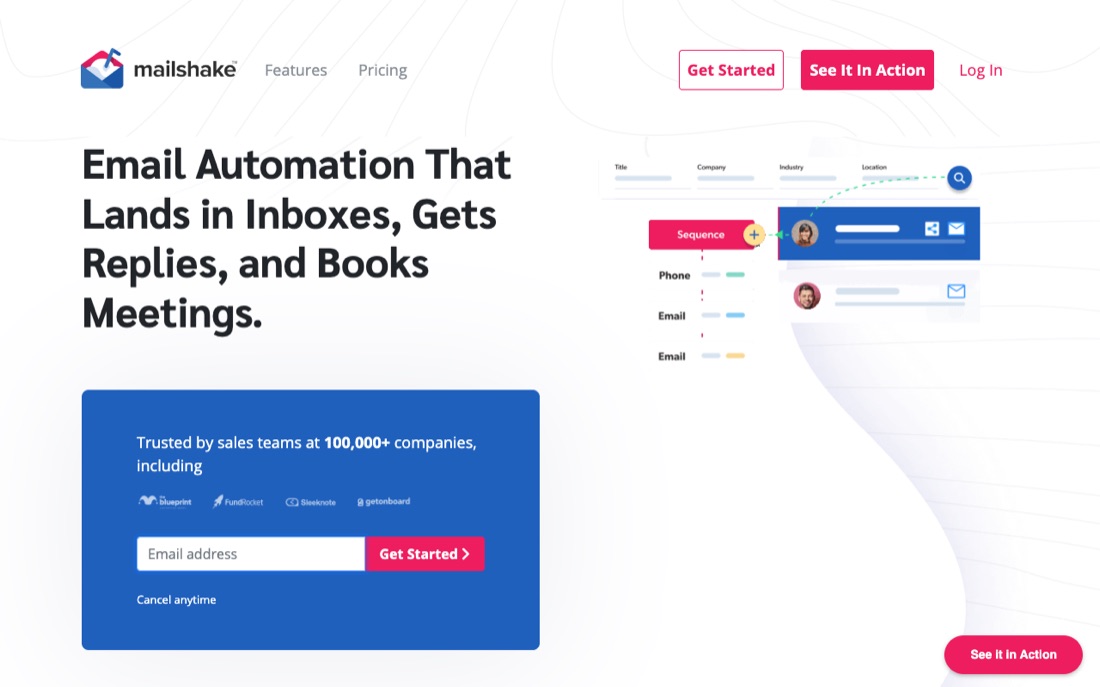
Evidence routine for Mailshake+
  1. 1 · Document. For Mailshake, attach dated official evidence for every item in the criterion above; mark missing answers as unknown rather than inferring them.
  2. 2 · Test. Run the common proof with Mailshake. Keep the sample, inputs, reviewers, time window, and acceptance criteria unchanged.
  3. 3 · Decide. Apply the evidence requirements and stop rule to Mailshake. Record pass, hold, or reject with observed results, unresolved unknowns, an owner, and a review date.
Archived public vendor-page capture for Overloop; verify the current pageOpen the full-size screenshot in a new tab
Select the image to open it full-size in a new tab. Archived for orientation only; interface and packaging may have changed.

Vendor-documented snapshot · checked July 21, 2026

First-party documentation, not an independent hands-on result or a promise of fit.

Documentation checked · field result unknownThe facts above are vendor-authored. Inclusion is not a fit, safety, or performance verdict; the common proof still decides.
Evidence routine for Overloop+
  1. 1 · Document. For Overloop, attach dated official evidence for every item in the criterion above; mark missing answers as unknown rather than inferring them.
  2. 2 · Test. Run the common proof with Overloop. Keep the sample, inputs, reviewers, time window, and acceptance criteria unchanged.
  3. 3 · Decide. Apply the evidence requirements and stop rule to Overloop. Record pass, hold, or reject with observed results, unresolved unknowns, an owner, and a review date.
Archived public vendor-page capture for QuickMail; verify the current pageOpen the full-size screenshot in a new tab
Select the image to open it full-size in a new tab. Archived for orientation only; interface and packaging may have changed.

Vendor-documented snapshot · checked July 21, 2026

First-party documentation, not an independent hands-on result or a promise of fit.

Documentation checked · field result unknownThe facts above are vendor-authored. Inclusion is not a fit, safety, or performance verdict; the common proof still decides.
Evidence routine for QuickMail+
  1. 1 · Document. For QuickMail, attach dated official evidence for every item in the criterion above; mark missing answers as unknown rather than inferring them.
  2. 2 · Test. Run the common proof with QuickMail. Keep the sample, inputs, reviewers, time window, and acceptance criteria unchanged.
  3. 3 · Decide. Apply the evidence requirements and stop rule to QuickMail. Record pass, hold, or reject with observed results, unresolved unknowns, an owner, and a review date.
Archived public vendor-page capture for Reply.io; verify the current pageOpen the full-size screenshot in a new tab
Select the image to open it full-size in a new tab. Archived for orientation only; interface and packaging may have changed.

Vendor-documented snapshot · checked July 21, 2026

First-party documentation, not an independent hands-on result or a promise of fit.

Documentation checked · field result unknownThe facts above are vendor-authored. Inclusion is not a fit, safety, or performance verdict; the common proof still decides.
Evidence routine for Reply.io+
  1. 1 · Document. For Reply.io, attach dated official evidence for every item in the criterion above; mark missing answers as unknown rather than inferring them.
  2. 2 · Test. Run the common proof with Reply.io. Keep the sample, inputs, reviewers, time window, and acceptance criteria unchanged.
  3. 3 · Decide. Apply the evidence requirements and stop rule to Reply.io. Record pass, hold, or reject with observed results, unresolved unknowns, an owner, and a review date.
Archived public vendor-page capture for Saleshandy; verify the current pageOpen the full-size screenshot in a new tab
Select the image to open it full-size in a new tab. Archived for orientation only; interface and packaging may have changed.

Vendor-documented snapshot · checked July 21, 2026

First-party documentation, not an independent hands-on result or a promise of fit.

Documentation checked · field result unknownThe facts above are vendor-authored. Inclusion is not a fit, safety, or performance verdict; the common proof still decides.
Evidence routine for Saleshandy+
  1. 1 · Document. For Saleshandy, attach dated official evidence for every item in the criterion above; mark missing answers as unknown rather than inferring them.
  2. 2 · Test. Run the common proof with Saleshandy. Keep the sample, inputs, reviewers, time window, and acceptance criteria unchanged.
  3. 3 · Decide. Apply the evidence requirements and stop rule to Saleshandy. Record pass, hold, or reject with observed results, unresolved unknowns, an owner, and a review date.
Archived public vendor-page capture for Smartlead; verify the current pageOpen the full-size screenshot in a new tab
Select the image to open it full-size in a new tab. Archived for orientation only; interface and packaging may have changed.

Vendor-documented snapshot · checked July 21, 2026

First-party documentation, not an independent hands-on result or a promise of fit.

Documentation checked · field result unknownThe facts above are vendor-authored. Inclusion is not a fit, safety, or performance verdict; the common proof still decides.
Evidence routine for Smartlead+
  1. 1 · Document. For Smartlead, attach dated official evidence for every item in the criterion above; mark missing answers as unknown rather than inferring them.
  2. 2 · Test. Run the common proof with Smartlead. Keep the sample, inputs, reviewers, time window, and acceptance criteria unchanged.
  3. 3 · Decide. Apply the evidence requirements and stop rule to Smartlead. Record pass, hold, or reject with observed results, unresolved unknowns, an owner, and a review date.
Archived public vendor-page capture for Woodpecker; verify the current pageOpen the full-size screenshot in a new tab
Select the image to open it full-size in a new tab. Archived for orientation only; interface and packaging may have changed.

Vendor-documented snapshot · checked July 21, 2026

First-party documentation, not an independent hands-on result or a promise of fit.

Documentation checked · field result unknownThe facts above are vendor-authored. Inclusion is not a fit, safety, or performance verdict; the common proof still decides.
Evidence routine for Woodpecker+
  1. 1 · Document. For Woodpecker, attach dated official evidence for every item in the criterion above; mark missing answers as unknown rather than inferring them.
  2. 2 · Test. Run the common proof with Woodpecker. Keep the sample, inputs, reviewers, time window, and acceptance criteria unchanged.
  3. 3 · Decide. Apply the evidence requirements and stop rule to Woodpecker. Record pass, hold, or reject with observed results, unresolved unknowns, an owner, and a review date.

Write the permitted email program before choosing a sender

Turn the search behind best cold email software into one observable job. Verify provider compatibility, identity and opt-out controls, authentication visibility, suppression handling, bounce and complaint handling, exports, and total operating effort. Name the owner, current failure, required output, deadline, and the constraint that cannot be traded away before opening vendor demos.

  • Write one must-have outcome and one automatic rejection rule.
  • Separate required capability from a preference or a polished demo moment.
  • Fix the sample, reviewers, time window, and success measure before vendor calls.
  • Record the full operating model: people, permissions, data, integrations, and cost.

Run the same bounded provider-aware pilot

Apply this proof without changing the sample or success measure between candidates: Use the same approved audience sample, content constraints, authenticated setup, measurement window, and written stop conditions for every finalist; change one variable at a time. A blank cell means “not yet verified,” not “no.” Keep vendor positioning separate from what your team observes.

  • Link the exact source and record the access date beside every decisive claim.
  • Write unknown when documentation is absent; do not infer a feature or weakness.
  • Keep vendor claims, observed test results, and team judgments in separate fields.
  • Ask the same follow-up questions and require the same proof from every finalist.

Choose on control, response, and intervention

Run the controlled evaluation exactly as written: Use the same approved audience sample, content constraints, authenticated setup, measurement window, and written stop conditions for every finalist; change one variable at a time. Keep this evidence: Record provider errors, delivery and reply outcomes, bounces, complaint signals, suppression behavior, operator time, contract terms, and the date of every source consulted. Apply the stop rule before seeing the outcome: Pause on the pre-agreed compliance or reputation threshold. Do not infer a universal quota, warm-up requirement or duration, or separate-domain rule from one vendor’s advice.

  • Record pass, hold, reject, and unknown against the pre-written criteria.
  • Separate observed results from vendor statements and team preferences.
  • Have the named owner sign the decision log before purchase or production use.
  • Re-check decisive documentation at renewal or whenever the workflow changes.

Bookmark this

The field note

The reusable model, scorecard, and exercise from this guide. Keep them in one place for your next pipeline review.

The mental model

  1. Brief01

    Write the permitted email program before choosing a sender

    Verify provider compatibility, identity and opt-out controls, authentication visibility, suppression handling, bounce and complaint handling, exports, and total operating effort.

  2. Proof02

    Run the same bounded provider-aware pilot

    Use the same approved audience sample, content constraints, authenticated setup, measurement window, and written stop conditions for every finalist; change one variable at a time.

  3. Record03

    Keep decision-grade evidence

    Record provider errors, delivery and reply outcomes, bounces, complaint signals, suppression behavior, operator time, contract terms, and the date of every source consulted.

  4. Decide04

    Choose on control, response, and intervention

    Pause on the pre-agreed compliance or reputation threshold. Do not infer a universal quota, warm-up requirement or duration, or separate-domain rule from one vendor’s advice.

The 10-point check

  1. CriterionCan current documentation and the test support this requirement: Verify provider compatibility, identity and opt-out controls, authentication visibility, suppression handling, bounce and complaint handling, exports, and total operating effort.0 · 1 · 2
  2. Same-task proofDid the candidate complete this unchanged test: Use the same approved audience sample, content constraints, authenticated setup, measurement window, and written stop conditions for every finalist; change one variable at a time.0 · 1 · 2
  3. Evidence logDid the team retain this decision evidence: Record provider errors, delivery and reply outcomes, bounces, complaint signals, suppression behavior, operator time, contract terms, and the date of every source consulted.0 · 1 · 2
  4. OwnerCan a named owner operate and review the tested cold email software workflow without relying on demo-only help?0 · 1 · 2
  5. Stop ruleWould the team reject the candidate when this rule fires: Pause on the pre-agreed compliance or reputation threshold. Do not infer a universal quota, warm-up requirement or duration, or separate-domain rule from one vendor’s advice.0 · 1 · 2

Use 0 for failed, 1 for unresolved, and 2 for observed on the same test. Compare totals only across finalists tested under the same conditions; there is no universal cutoff. The pre-written override is: Pause on the pre-agreed compliance or reputation threshold. Do not infer a universal quota, warm-up requirement or duration, or separate-domain rule from one vendor’s advice.

Worked gate check

Decision brief
Verify provider compatibility, identity and opt-out controls, authentication visibility, suppression handling, bounce and complaint handling, exports, and total operating effort.
Test run
Use the same approved audience sample, content constraints, authenticated setup, measurement window, and written stop conditions for every finalist; change one variable at a time.
Decision record
Record provider errors, delivery and reply outcomes, bounces, complaint signals, suppression behavior, operator time, contract terms, and the date of every source consulted.
Rejection
Pause on the pre-agreed compliance or reputation threshold. Do not infer a universal quota, warm-up requirement or duration, or separate-domain rule from one vendor’s advice.

20-minute practice

Try it on one account today.

The point is not to automate faster. It is to learn whether the reasoning survives contact with a real account.

  1. 1Turn this criterion into a one-page brief with an owner and checkboxes: Verify provider compatibility, identity and opt-out controls, authentication visibility, suppression handling, bounce and complaint handling, exports, and total operating effort.
  2. 2Run this exact proof with two finalists and change no inputs between runs: Use the same approved audience sample, content constraints, authenticated setup, measurement window, and written stop conditions for every finalist; change one variable at a time.
  3. 3Build one evidence log from the observed run: Record provider errors, delivery and reply outcomes, bounces, complaint signals, suppression behavior, operator time, contract terms, and the date of every source consulted.
  4. 4Record pass, hold, or reject, and enforce this override regardless of the score: Pause on the pre-agreed compliance or reputation threshold. Do not infer a universal quota, warm-up requirement or duration, or separate-domain rule from one vendor’s advice.
Plain-English glossary
Write the permitted email program before choosing a sender
Verify provider compatibility, identity and opt-out controls, authentication visibility, suppression handling, bounce and complaint handling, exports, and total operating effort.
Run the same bounded provider-aware pilot
Use the same approved audience sample, content constraints, authenticated setup, measurement window, and written stop conditions for every finalist; change one variable at a time.
Evidence log
Record provider errors, delivery and reply outcomes, bounces, complaint signals, suppression behavior, operator time, contract terms, and the date of every source consulted.
Stop rule
Pause on the pre-agreed compliance or reputation threshold. Do not infer a universal quota, warm-up requirement or duration, or separate-domain rule from one vendor’s advice.
Controlled comparison
Every finalist receives the same inputs, task, reviewers, clock, acceptance criteria, and decision override.
Plain-text field note+

See the decision process

A fair evaluation, with the evidence attached.

Max keeps the criterion, same-task proof, unknowns and stop rule together, so your team can choose without turning a feature list into a verdict.

Max evaluation brief

Same task, same evidence standard

Illustrative example
Decision on holdA must-have remains unresolved

How Max would keep the best cold email software evaluation honest

Wait

Evidence Max recorded

For best cold email software, Scout records the decision criterion and the source date: Verify provider compatibility, identity and opt-out controls, authentication visibility, suppression handling, bounce and complaint handling, exports, and total operating effort.

Scout checks current documentation, records access dates, and retains this evidence: Record provider errors, delivery and reply outcomes, bounces, complaint signals, suppression behavior, operator time, contract terms, and the date of every source consulted.

What Max refused to assume

For best cold email software, Strategist rejects brand familiarity, feature count, page position, and demo polish as substitutes for this controlled proof: Use the same approved audience sample, content constraints, authenticated setup, measurement window, and written stop conditions for every finalist; change one variable at a time.

Why this status holds

For best cold email software, the evaluation can continue, but one or more must-have results remain unresolved. A feature list cannot close that gap.

Decision trace: Strategist applies the unchanged protocol and records Wait without awarding Max or another vendor an automatic victory.

Decision artifact

A dated evaluation brief for best cold email software, containing the criterion, same-task results, unresolved evidence, operator effort, full cost, and the written stop rule.

No draft requested. Closer stays out of the evaluation until the human decision is made.

Your evaluator stays in control

A named human evaluator checks dated sources and same-task results for best cold email software, then owns the shortlist or rejection. Neither this page nor Max makes the purchase decision automatically.

Make the next evaluation inspectable.

Use Max to structure the best cold email software decision without replacing the controlled test or the human evaluator.

Start for free

Cancel anytime

Evidence desk

Research notes and sources

Sources were checked on . Each note states the limited point the source supports, so a benchmark is not mistaken for a promise.

How to read this bibliography

These references support the factual context and methods in this guide. They do not certify every sentence, validate a vendor's marketing claims, or imply that Max ran a hands-on product test. Vendor and industry research can still be useful, but its commercial incentives, sample, geography, and date should remain visible.

  1. Official guidanceGoogle Search Central·Live guidance; accessed 2026-07-21

    Write High Quality Reviews (opens in a new tab)

    What it supports
    The editorial method for useful comparisons: demonstrate expertise, show evidence, discuss benefits and drawbacks, identify decision factors, and explain what distinguishes an option.
    Limit
    Search-quality guidance, not an endorsement of this shortlist or proof that a comparison will rank. Direct product claims still require product-level evidence.
  2. Official guidanceGoogle Gmail Help·Requirements effective February 1, 2024; accessed 2026-07-21

    Email Sender Guidelines (opens in a new tab)

    What it supports
    Gmail requirements for authentication, DNS, TLS, spam rates, message format, DMARC alignment, and one-click unsubscribe for bulk senders.
    Limit
    Official Gmail requirements, not a promise of inbox placement. Google updates the page and evaluates additional reputation and abuse signals.
  3. Official guidanceYahoo Sender Hub·Requirements effective February 2024; accessed 2026-07-21

    Email Sender Requirements and Best Practices (opens in a new tab)

    What it supports
    Yahoo requirements for SPF/DKIM/DMARC, complaint rates, DNS, standards compliance, and easy unsubscribe for bulk senders.
    Limit
    Official Yahoo guidance, not a guarantee of delivery. Reputation, engagement, content, and recipient behavior remain relevant.
  4. Official guidanceUS Federal Trade Commission·Live guidance; accessed 2026-07-21

    CAN-SPAM Act: A Compliance Guide for Business (opens in a new tab)

    What it supports
    US commercial-email duties including truthful headers and subjects, identification and address requirements, a working opt-out, and responsibility for messages sent on a company's behalf.
    Limit
    US federal guidance, not a universal rule for every recipient or jurisdiction. State, sector, privacy, and non-US requirements may also apply.
  5. Official guidanceUK Information Commissioner's Office·Live guidance; accessed 2026-07-21

    Business-to-Business Marketing (opens in a new tab)

    What it supports
    The UK distinction between corporate and individual subscribers, how PECR and UK GDPR can apply to B2B direct marketing, transparency, lawful basis, objections, and suppression.
    Limit
    UK regulatory guidance, not legal advice and not a substitute for checking the recipient type, channel, data source, jurisdiction, and current rules.
  6. Official vendor pageOverloop·Live page; accessed 2026-07-21

    AI-powered Sales Prospecting Platform (opens in a new tab)

    What it supports
    Overloop documents an integrated contact database and AI-generated multichannel sequences spanning email and LinkedIn, including sequence steps, timing, messages, and follow-ups. Its campaign reporting is documented as tracking opens, clicks, replies, bounces, and out-of-office replies.
    Limit
    Vendor-authored documentation, not independent testing. It may omit trade-offs or change after the access date; verify the current page and reproduce the common proof before purchase.
  7. Official vendor pageInstantly·Live page; accessed 2026-07-21

    Campaign Options | Instantly Help Center (opens in a new tab)

    What it supports
    Instantly documents assigning multiple sending accounts to one campaign, with campaign-level daily limits and optional text-only delivery optimization. Campaign controls can stop follow-ups after an individual reply or stop outreach to the other contacts at that company, and can add a one-click-compatible unsubscribe header.
    Limit
    Vendor-authored documentation, not independent testing. It may omit trade-offs or change after the access date; verify the current page and reproduce the common proof before purchase.
  8. Official vendor pageSmartlead·Live page; accessed 2026-07-21

    How To Create an Email Campaign In Smartlead (the new version) (opens in a new tab)

    What it supports
    Smartlead's campaign builder combines automated email steps with manual tasks that pause a sequence until completion, including tasks for calls, LinkedIn outreach, or reply review. Its account-assignment step exposes daily limits, warm-up state, and existing campaign assignments; the guide says only eligible, active accounts are used for sending.
    Limit
    Vendor-authored documentation, not independent testing. It may omit trade-offs or change after the access date; verify the current page and reproduce the common proof before purchase.
  9. Official vendor pageSaleshandy·Live page; accessed 2026-07-21

    Sender Rotation: What, Why, and How to Set it Up? | Saleshandy Help Center (opens in a new tab)

    What it supports
    Saleshandy documents sender rotation across multiple email accounts in one sequence while keeping each prospect's follow-ups on the same sending account. Its documentation advises against assigning one email account to multiple active sequences because scheduling and prioritization then depend on the latest sequence, steps, quotas, and intervals.
    Limit
    Vendor-authored documentation, not independent testing. It may omit trade-offs or change after the access date; verify the current page and reproduce the common proof before purchase.
  10. Official vendor pagelemlist·Live page; accessed 2026-07-21

    Multichannel Outreach | lemlist Help Center (opens in a new tab)

    What it supports
    lemlist documents multichannel sequences spanning email, automated LinkedIn actions, in-app calling, voice messages, and manual tasks.
    Limit
    Vendor-authored documentation, not independent testing. It may omit trade-offs or change after the access date; verify the current page and reproduce the common proof before purchase.
  11. Official vendor pagelemlist·Live page; accessed 2026-07-21

    Understand campaign sequencing in lemlist | lemlist Help Center (opens in a new tab)

    What it supports
    In an active lemlist campaign, steps cannot be removed, reordered, or replaced; replies stop the sequence, while already-created manual tasks can still trigger sends if completed during a pause.
    Limit
    Vendor-authored documentation, not independent testing. It may omit trade-offs or change after the access date; verify the current page and reproduce the common proof before purchase.
  12. Official vendor pageApollo·Live page; accessed 2026-07-21

    Search for People – Apollo (opens in a new tab)

    What it supports
    Apollo documents People search across its person database using filters such as persona, job title, location, and company size; saved results can be enrolled in a sequence, exported to CSV, or added to a list.
    Limit
    Vendor-authored documentation, not independent testing. It may omit trade-offs or change after the access date; verify the current page and reproduce the common proof before purchase.
  13. Official vendor pageApollo·Live page; accessed 2026-07-21

    Sequences Overview – Apollo (opens in a new tab)

    What it supports
    Apollo documents Sequences as planned, customizable outreach campaigns whose touchpoints can include emails, phone calls, social engagement, and rep tasks.
    Limit
    Vendor-authored documentation, not independent testing. It may omit trade-offs or change after the access date; verify the current page and reproduce the common proof before purchase.
  14. Official vendor pageQuickMail·Live page; accessed 2026-07-21

    QuickMail - Get hot leads on LinkedIn & cold email like a pro (opens in a new tab)

    What it supports
    QuickMail documents combined email and LinkedIn outreach, with connection messages, InMail, and voice messages alongside email sending, warming, and sender rotation. The product page says email and LinkedIn replies return to one inbox and documents native two-way synchronization with HubSpot and Pipedrive.
    Limit
    Vendor-authored documentation, not independent testing. It may omit trade-offs or change after the access date; verify the current page and reproduce the common proof before purchase.
  15. Official vendor pageMailshake·Live page; accessed 2026-07-21

    How do I use tasks to automate my sales engagement? - Mailshake Help (opens in a new tab)

    What it supports
    Mailshake documents social, LinkedIn, phone, and general tasks inside sequences as a Sales Engagement-plan feature; it schedules those tasks, but the social interaction itself remains manual.
    Limit
    Vendor-authored documentation, not independent testing. It may omit trade-offs or change after the access date; verify the current page and reproduce the common proof before purchase.
  16. Official vendor pageWoodpecker·Live page; accessed 2026-07-21

    LinkedIn Outreach Automation in Woodpecker | Woodpecker.co Help Center (opens in a new tab)

    What it supports
    Woodpecker documents LinkedIn tasks for profile visits, connection requests, direct messages, and InMail alongside email, manual-task, call, and SMS steps; an accepted invitation can branch to a LinkedIn message while the other path can route to email.
    Limit
    Vendor-authored documentation, not independent testing. It may omit trade-offs or change after the access date; verify the current page and reproduce the common proof before purchase.
  17. Official vendor pageWoodpecker·Live page; accessed 2026-07-21

    Campaigns | Woodpecker Docs (opens in a new tab)

    What it supports
    Woodpecker's campaigns API currently focuses on linear email and LinkedIn steps and does not support app campaigns with IF conditions, scheduled starts, or manual-task steps.
    Limit
    Vendor-authored documentation, not independent testing. It may omit trade-offs or change after the access date; verify the current page and reproduce the common proof before purchase.
  18. Official vendor pageReply.io·Live page; accessed 2026-07-21

    Create a sequence - Reply API Documentation (opens in a new tab)

    What it supports
    Reply's sequence API documents steps for email, LinkedIn messages and profile actions, calls, SMS, WhatsApp, manual tasks, and conditions in one sequence model. The same API payload associates a sequence with a schedule plus email and optional LinkedIn sending accounts.
    Limit
    Vendor-authored documentation, not independent testing. It may omit trade-offs or change after the access date; verify the current page and reproduce the common proof before purchase.

Methodology

How this brief was built.

Last material update
July 21, 2026. Dates change only when the article itself changes; a new year in the title is not treated as proof of freshness.
How it was built
This guide combines public product positioning, buyer comparison intent, outbound workflow boundaries, and the jobs each tool is hired to do. The examples are teaching scenarios, not claims that a named prospect has private intent.
Limits
Benchmarks are directional, vendor facts can change, and no framework guarantees replies or revenue. Confirm material pricing, platform, legal, and compliance decisions at the primary source.

Questions

Questions buyers ask before acting.

Is cold email still legal in 2026?

Cold email can be lawful in some contexts, but there is no universal yes. Sender, recipient, jurisdiction, data source, purpose, and message all matter. Before sending, have a qualified owner verify current law and provider rules, then document identity, legal basis, notice, objection or opt-out, suppression, and recordkeeping for every market.

What is the difference between cold email software and email marketing tools?

The practical difference is the audience, permission, sending, reply, and suppression workflow, not the category label. Document whether recipients opted in, the legal basis and notice, provider requirements, identity, unsubscribe or objection handling, message type, reporting denominator, and CRM owner; compare products only against the permitted program you have actually defined.

How do I keep cold emails out of the spam folder?

You cannot guarantee spam avoidance with a tool or checklist. Follow each provider's current authentication, identity, content, volume, and recipient-permission requirements, then use a small approved audience with written stop thresholds. Record provider errors, bounces, complaint signals, negative replies, opt-outs, and intervention; a bounded pilot gives local evidence, not permanent inbox placement. Keep counts and denominators together so a low-looking rate cannot conceal a tiny sample or missing events.

What is the cheapest or free cold email software?

Neither comparable prices nor free plans were verified, so this guide cannot identify the cheapest paid option or a viable free plan. Check official plans on one date for inboxes, contacts, usage, add-ons, provider compatibility, automatic conversion, cancellation, retention, support, and export. Price one permitted campaign and include exception handling and suppression in cost per completed workflow.

What is the best cold email software for agencies?

No cold-email tool is proven best for agencies because client isolation and white-label controls have not been compared here. Check tenant separation, identity ownership, roles, approvals, suppression, provider compatibility, reporting, incidents, export, and offboarding. Build two client workspaces and test cross-client access, opt-out, provider-error, and exit cases. Keep deliverability claims outside this governance score; the workspace test cannot establish inbox placement.

How many cold emails per inbox per day is safe?

No daily quota is universally safe. Provider rules, domain history, authentication, recipient context, list quality, complaints, and applicable law all vary. Start from current provider guidance and qualified compliance review, use a bounded approved pilot with written stop thresholds, and respond to errors, complaints, negative replies, and opt-outs instead of chasing a generic number.

Do I need a separate domain for cold email?

Not always; a separate sending domain is a context-dependent risk decision, not a compliance or delivery shortcut. Review provider rules, brand and security ownership, authentication, user expectations, incident response, and consequences for primary and secondary domains with accountable technical and legal owners. A second domain cannot make a non-permitted campaign acceptable or guarantee protection.

How long does it take to warm up a new email inbox?

Warm-up has no universal duration, and a warm-up service cannot guarantee future delivery. Follow the sending provider's current first-party requirements, authenticate and monitor the identity, and use an approved low-risk test. Set stop conditions for errors, bounces, complaint signals, negative replies, and opt-outs; observed provider responses matter more than a vendor timeline.

From comparison to controlled test

Make the next tool decision with the evidence visible.

Use Max to structure the best cold email software decision without replacing the controlled test or the human evaluator.

Start for free

Cancel anytime